What is the LiveView
This article explains how to find and navigate the LiveView feature in Ignite. LiveView enables you to monitor live and recent visitor activity on your website with interactive map tools and enhanced insights. LiveView is located under the Insights dropdown in Ignite.
Watch this video tutorial to see the full process in action:
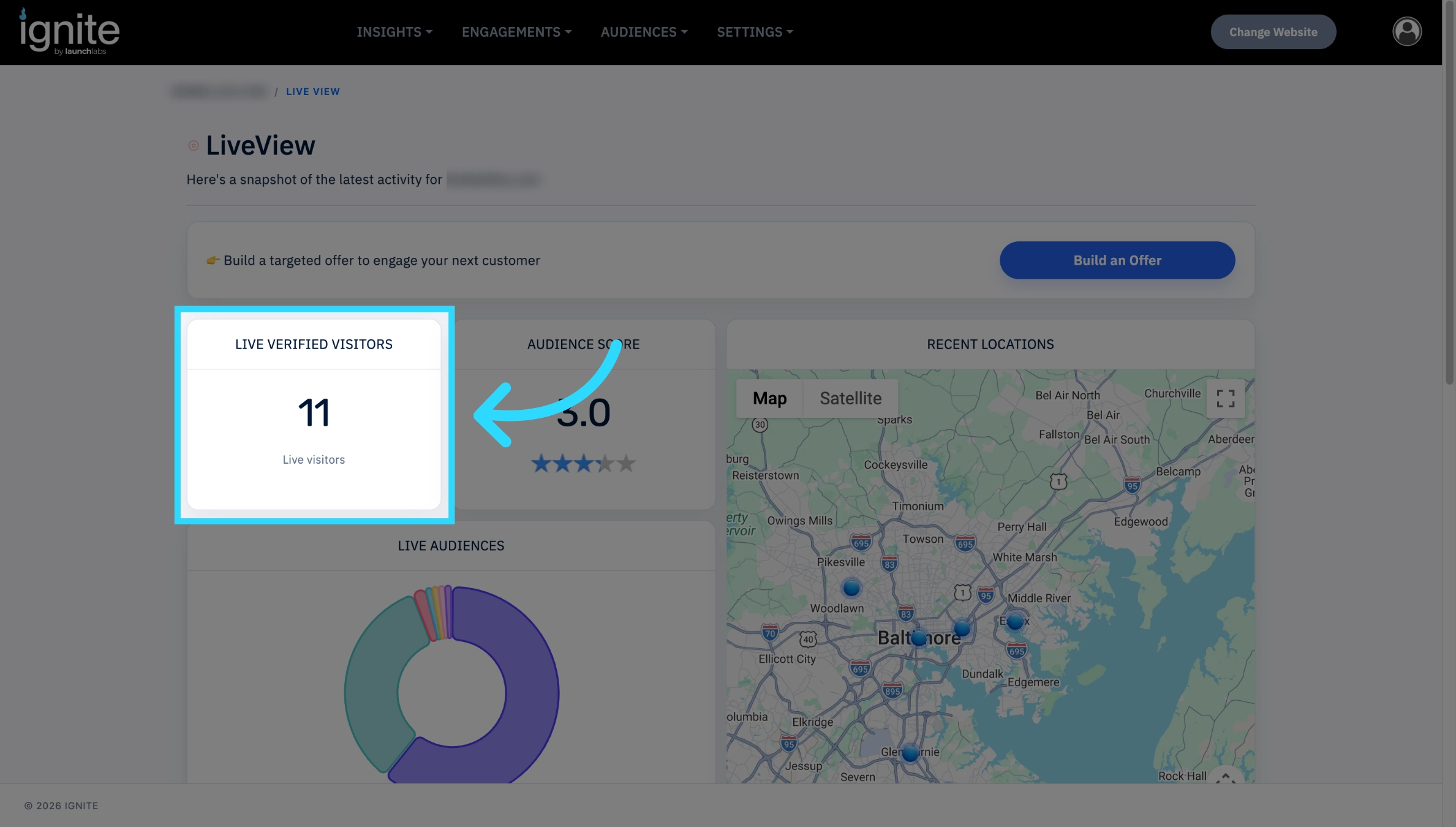
Live Visitors
Look at the "Live visitors" section to view the current active users on your platform.
If no visitors or information is displaying on this page, the tracking tag has fallen off the website. Click here for more information, Finding Your Tracking Tag.
Audience Score
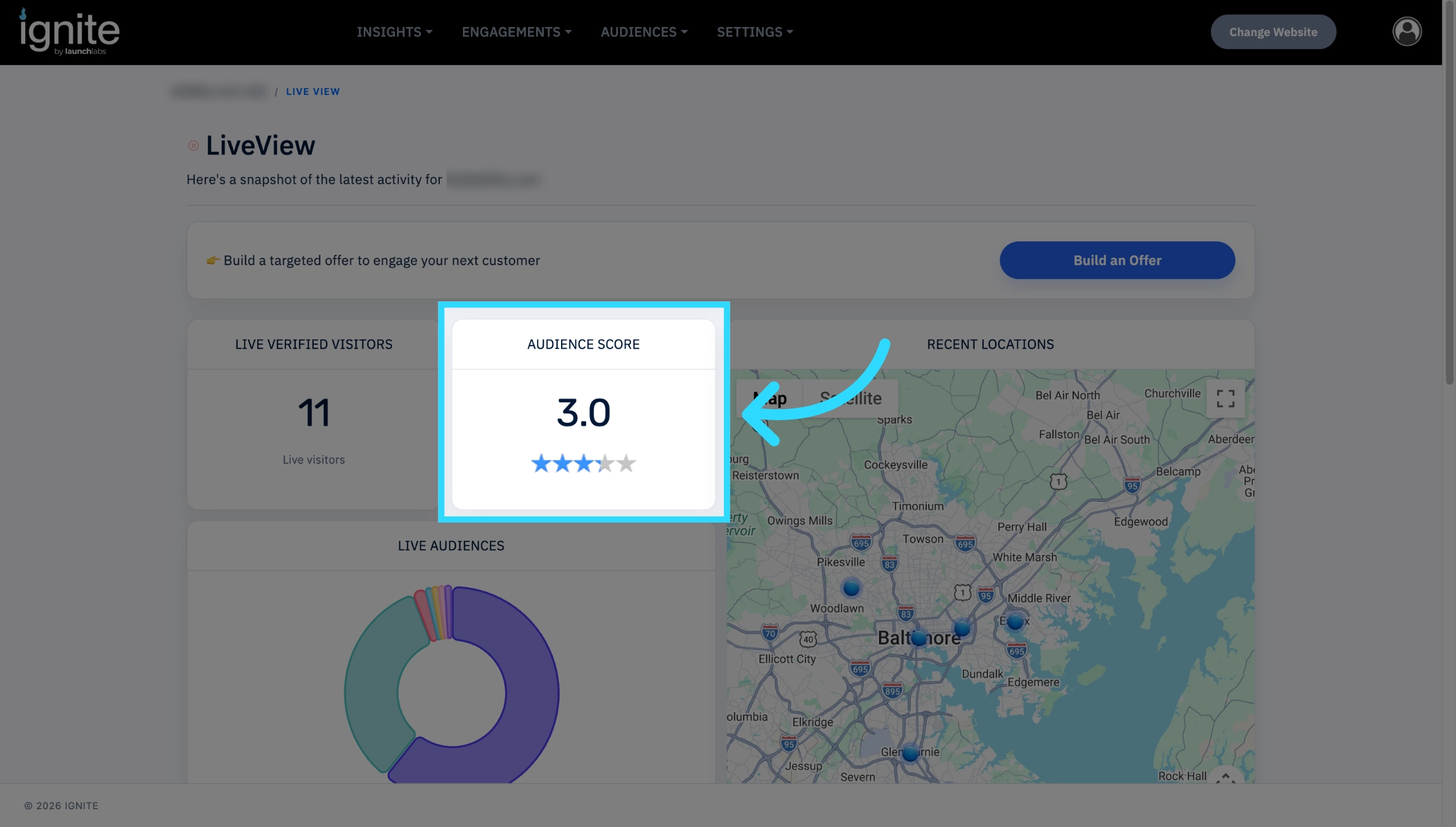
The audience score is a predictive index of where potential customers are falling on the buyer funnel. For more details, see the Guide on Understanding the Insight Summary.
Live Audiences
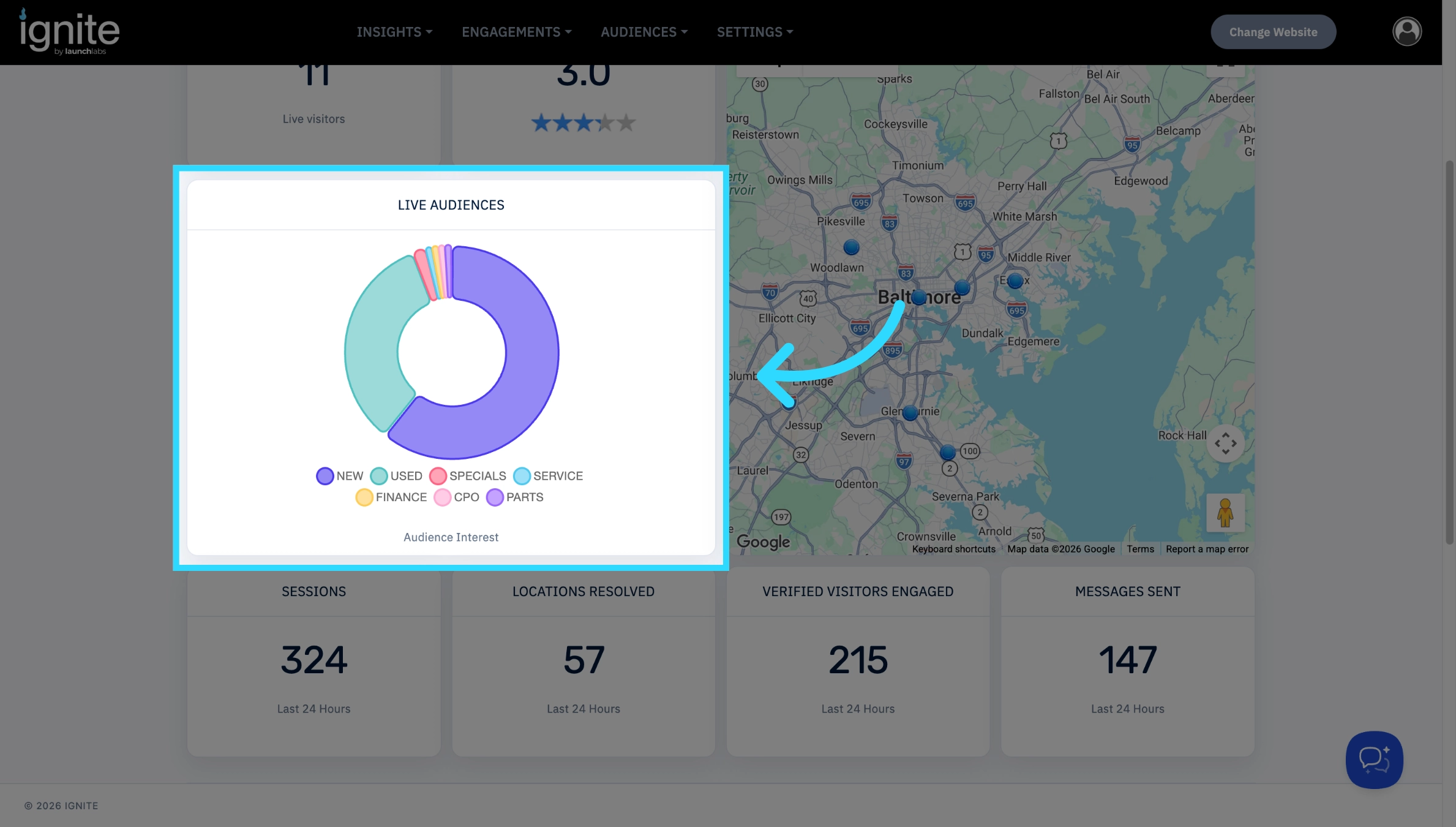
The live audiences chart, shows the segments the live visitors are currently viewing.
Visitors and Session Details
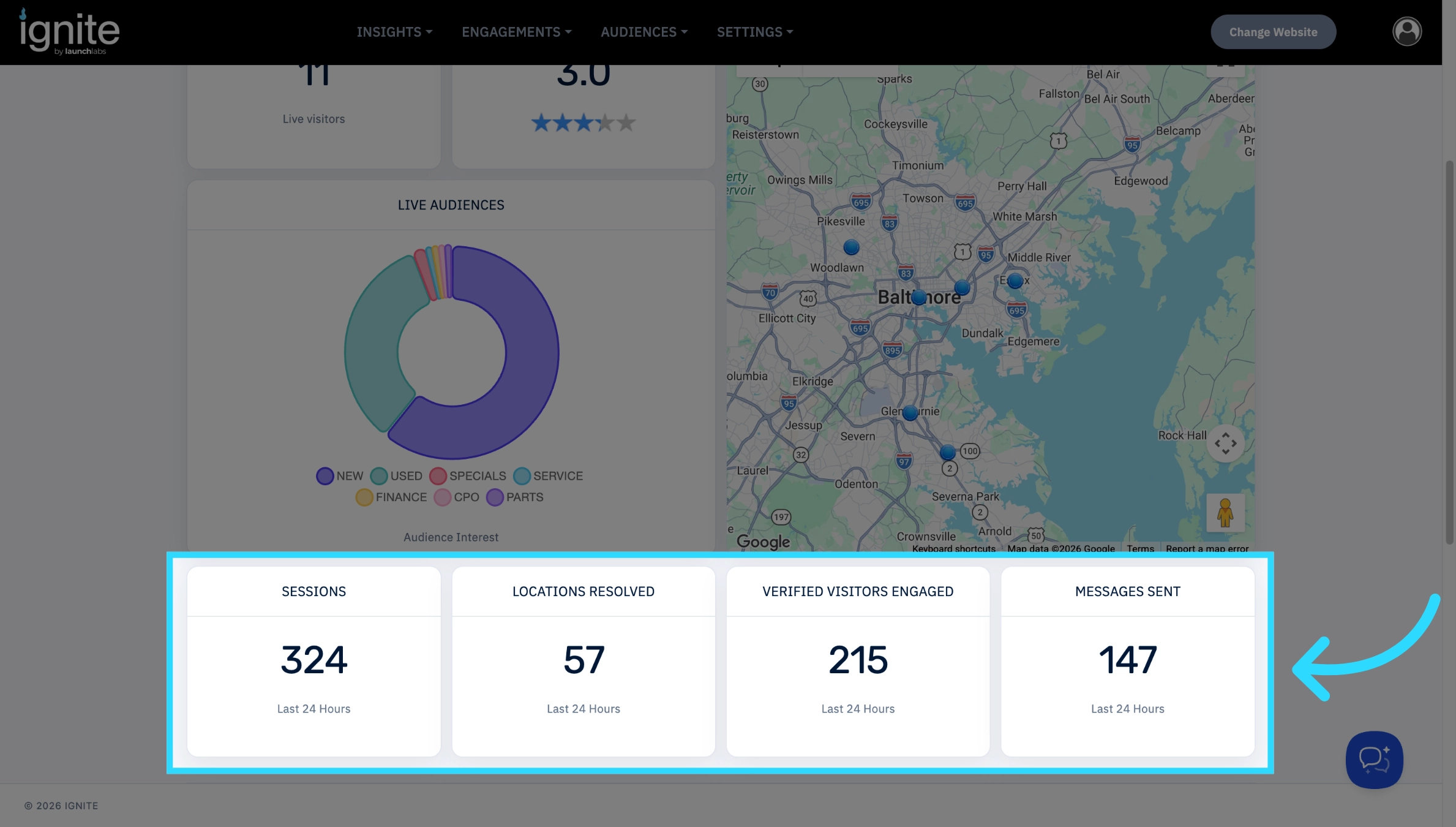
LiveView displays activity for the past 24 hours. For weekly and monthly statistics, use the Insight Summary page.
Audience Data
At the bottom of the page, you might find Audience Data. This gives you a visual of which audiences and segments have the most activity.
To change the way these are displayed reach out to an Account Executive.
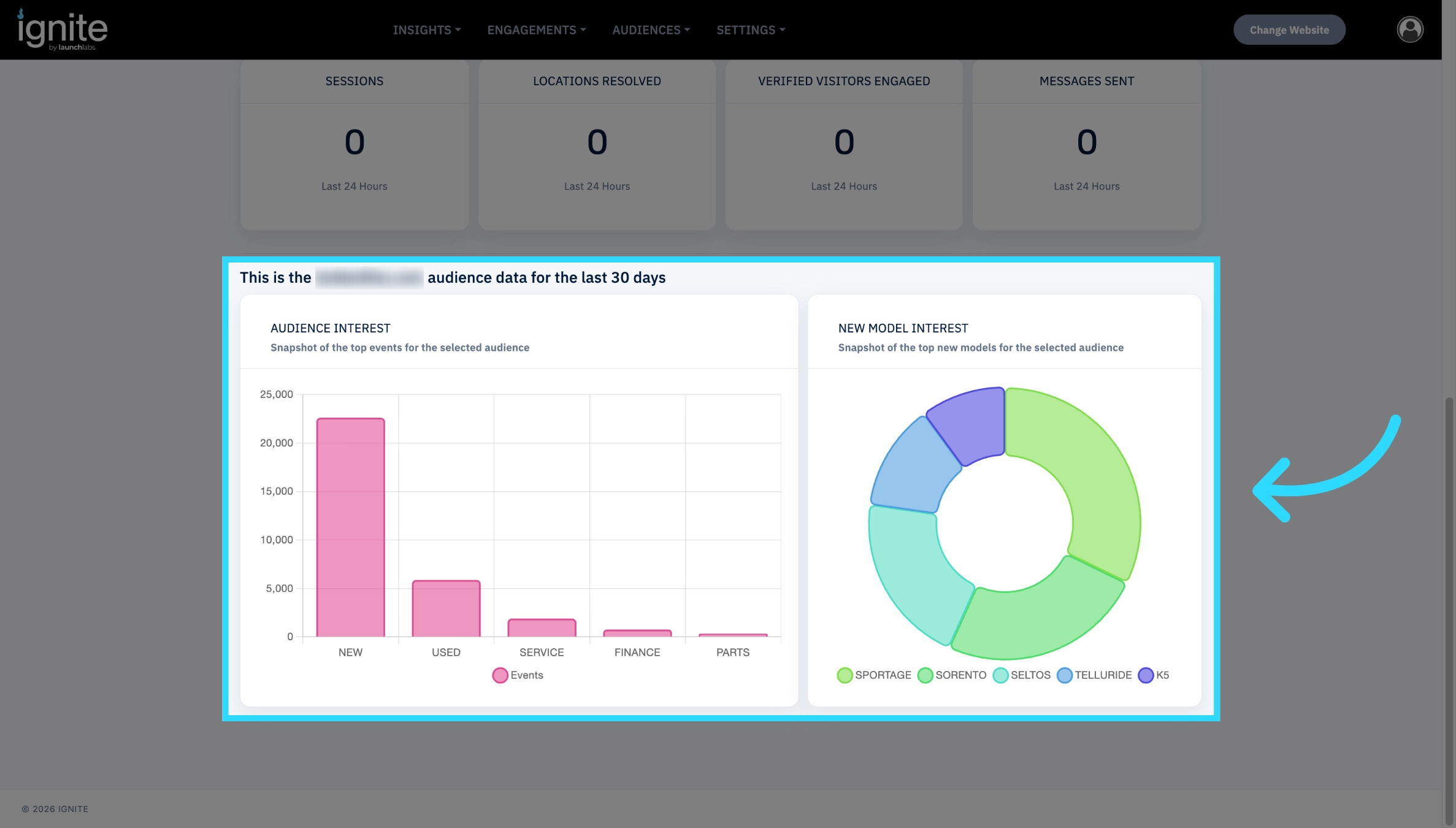
⚠️ To change the colors for any of the graphs and charts in the section, follow the instructions in How to Change the Color Palette for Charts.
LiveView Map
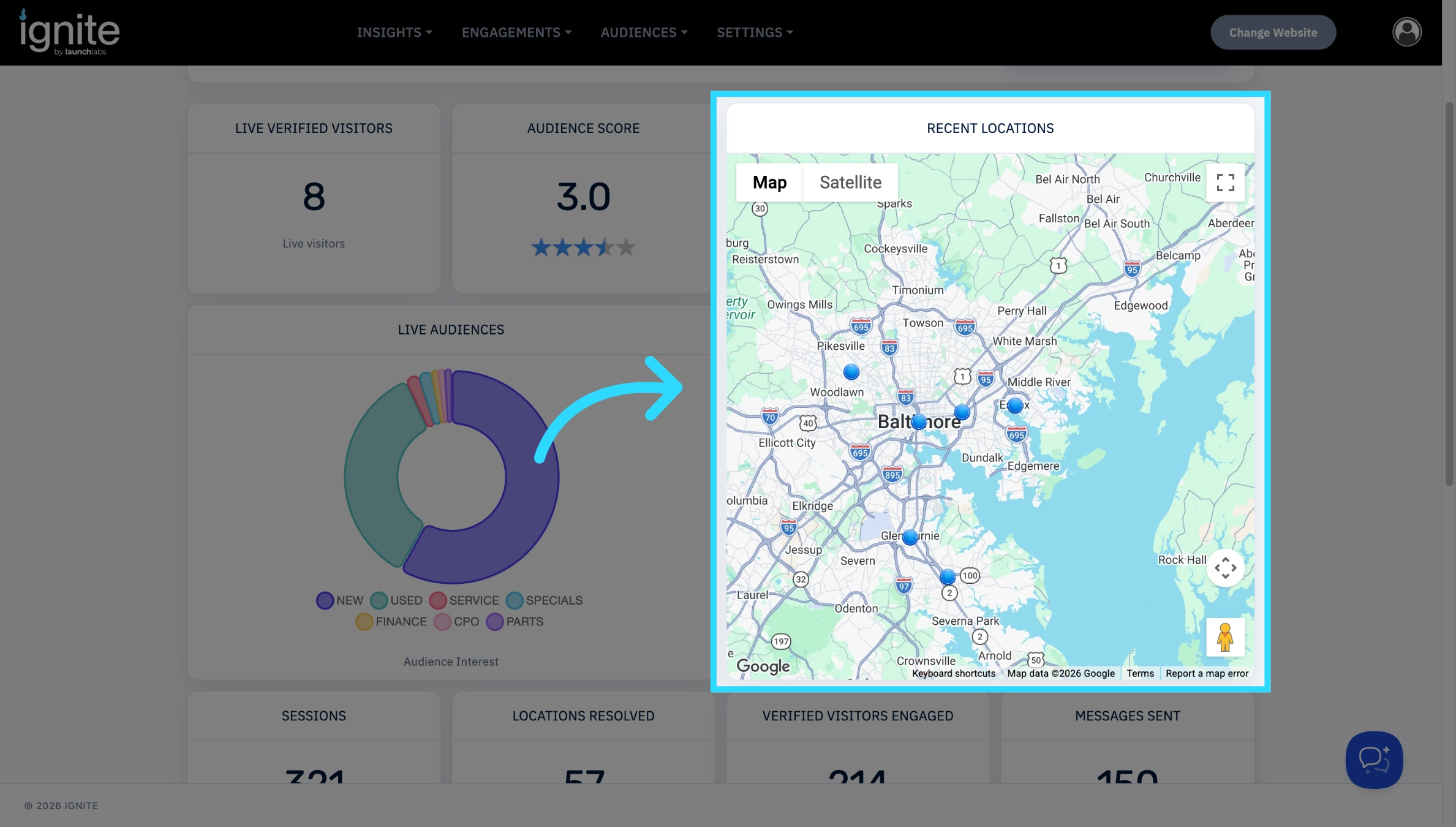
When looking at the LiveView map, you can see the site visitors represented as dots. The green dots represent live visitors, and the blue dots represent visitors in the past 24 hours.
Full Screen Map
Within the Fullscreen map controls, you can use the "Map camera controls" button to access navigation tools that let you adjust the map view. You can also move the view of the map by simply clicking and dragging.
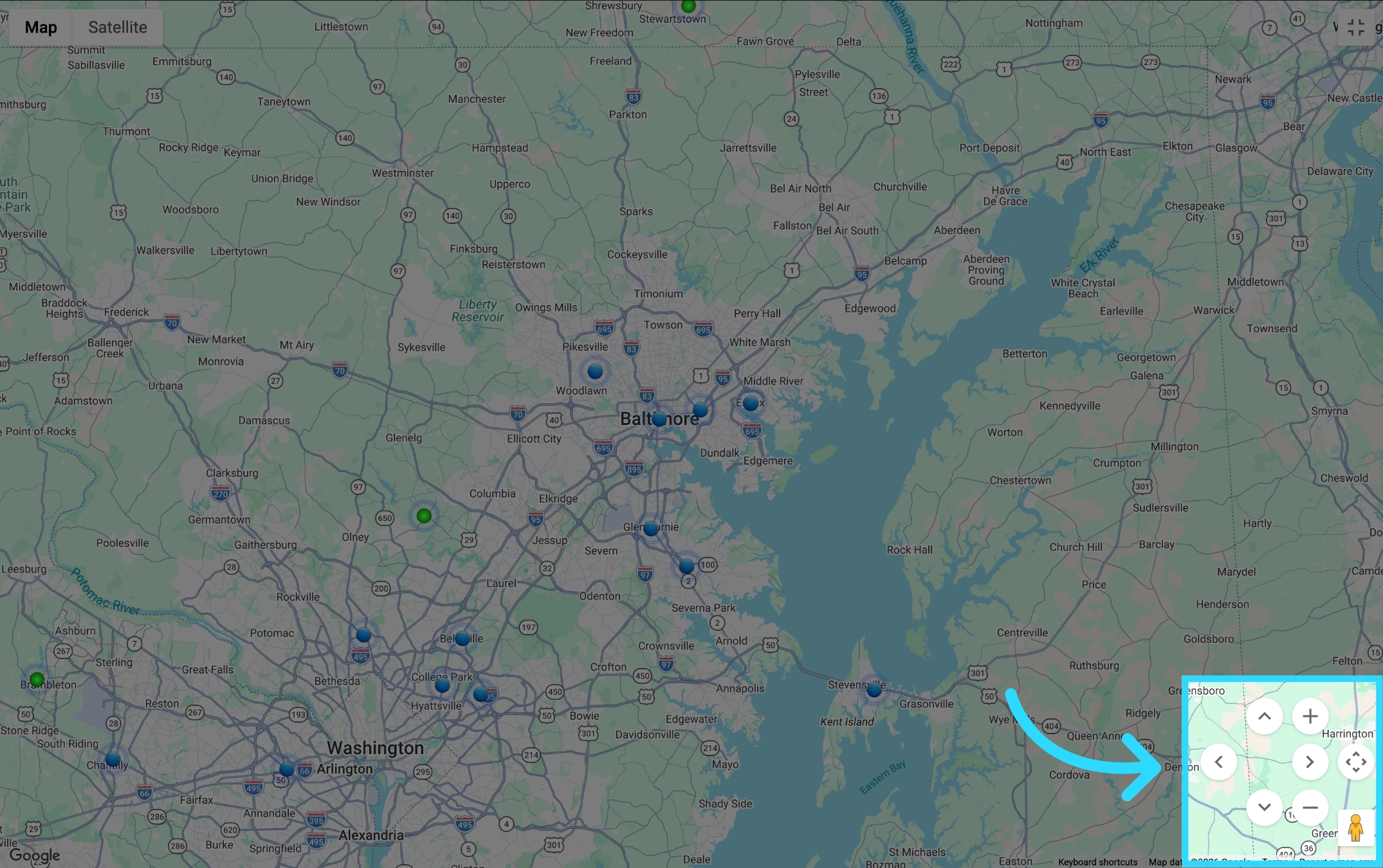
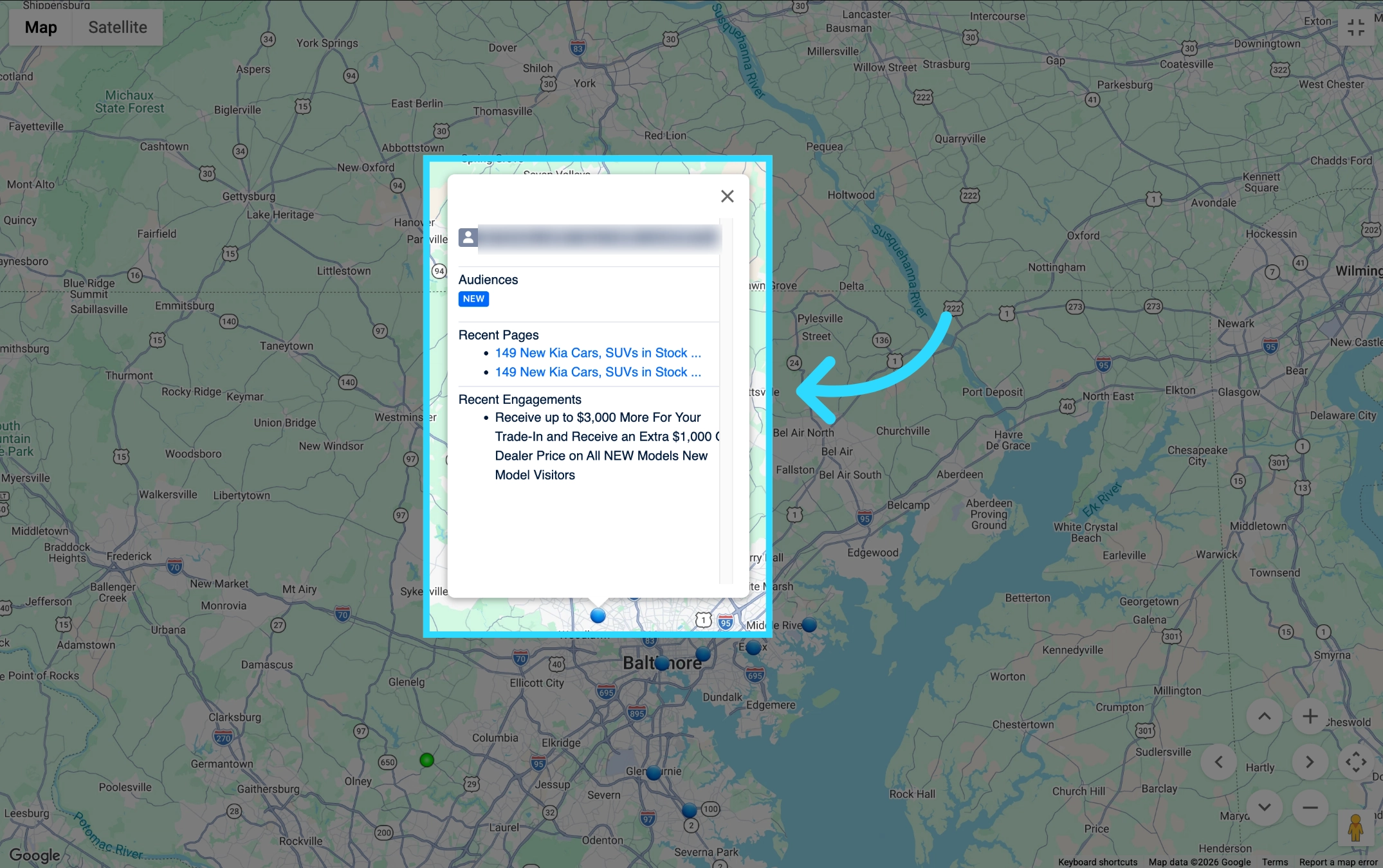
You can click on any of the dots to see more information about the visitor.
Customer Information
Clicking on a visitor dot will bring up an information page, displaying if available, information about the potential customer, the audiences they fall under, the recent pages they visited, and the recent engagements of the person at the location identified.