
How to Edit Offer Segments
This article explains how to update the audience an offer is targeted to after it has been created in Ignite. Adjusting the audience allows you to refine who sees your offer based on updated targeting criteria.
👉 To build a new offer see How to Build an Offer
Watch this video tutorial to see the full process in action:
Step-by-Step Instructions
Follow these steps to see how to edit offer segments.
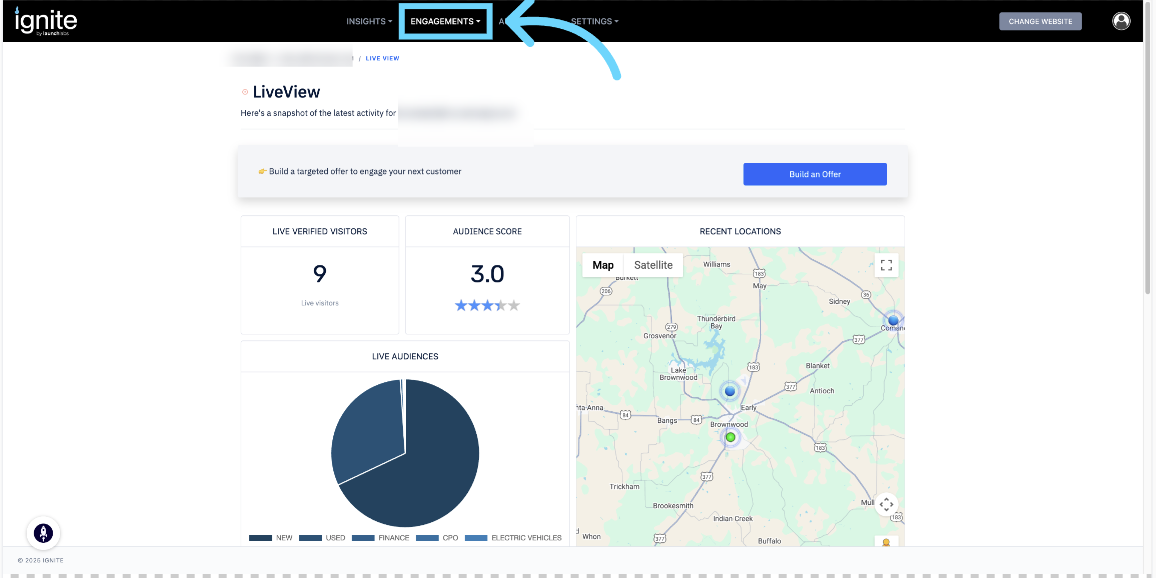
1. Open Engagements and Select Offers
Log in to Ignite, click Engagements in the top navigation, and select Offers.
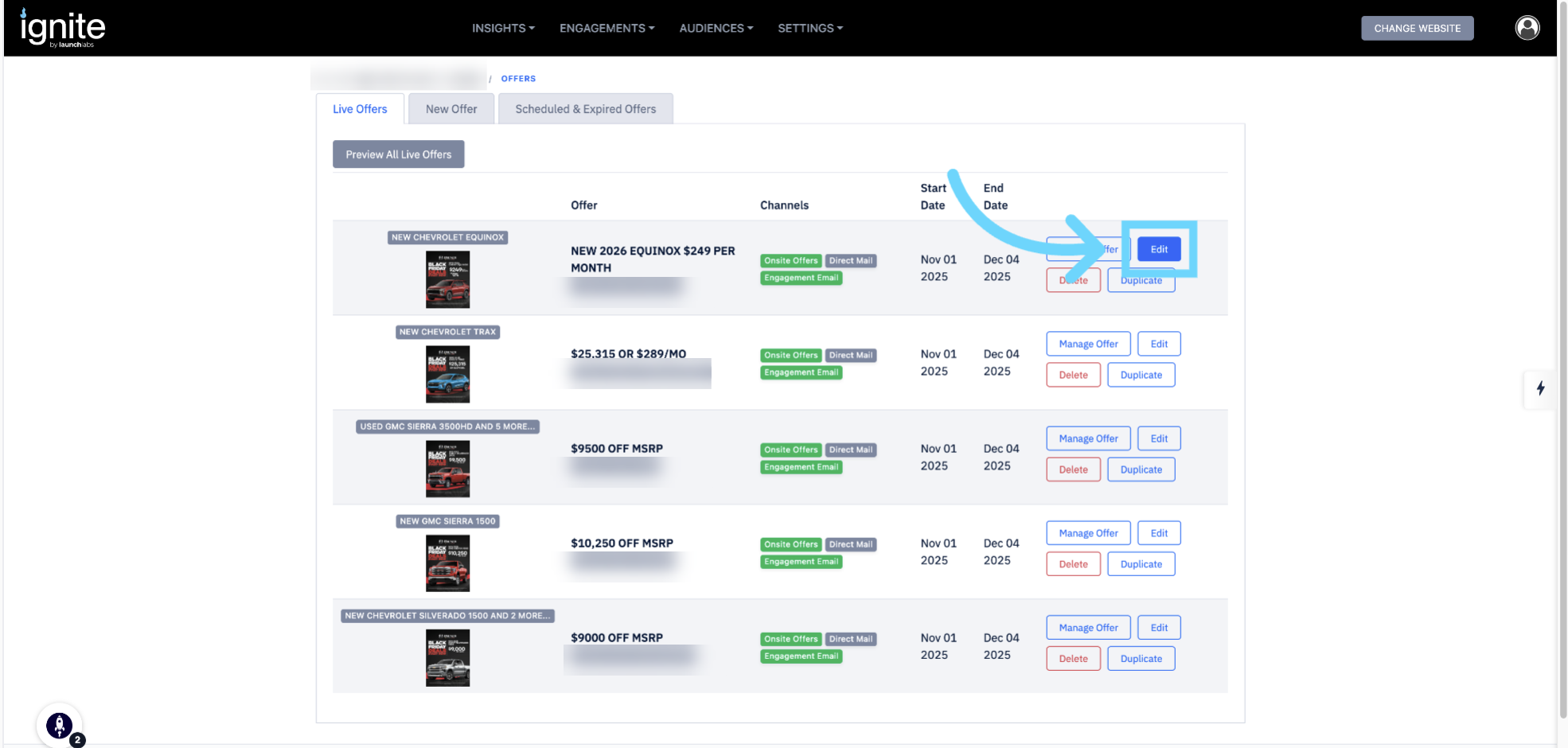
2. Edit Existing Offer
Modify the details of a selected offer by clicking on the edit button.
3. Navigate to the Segments Tab & Edit Segments on Offer
Click on the existing segment and a dropdown should appear and then select the segment you want to edit for this offer.
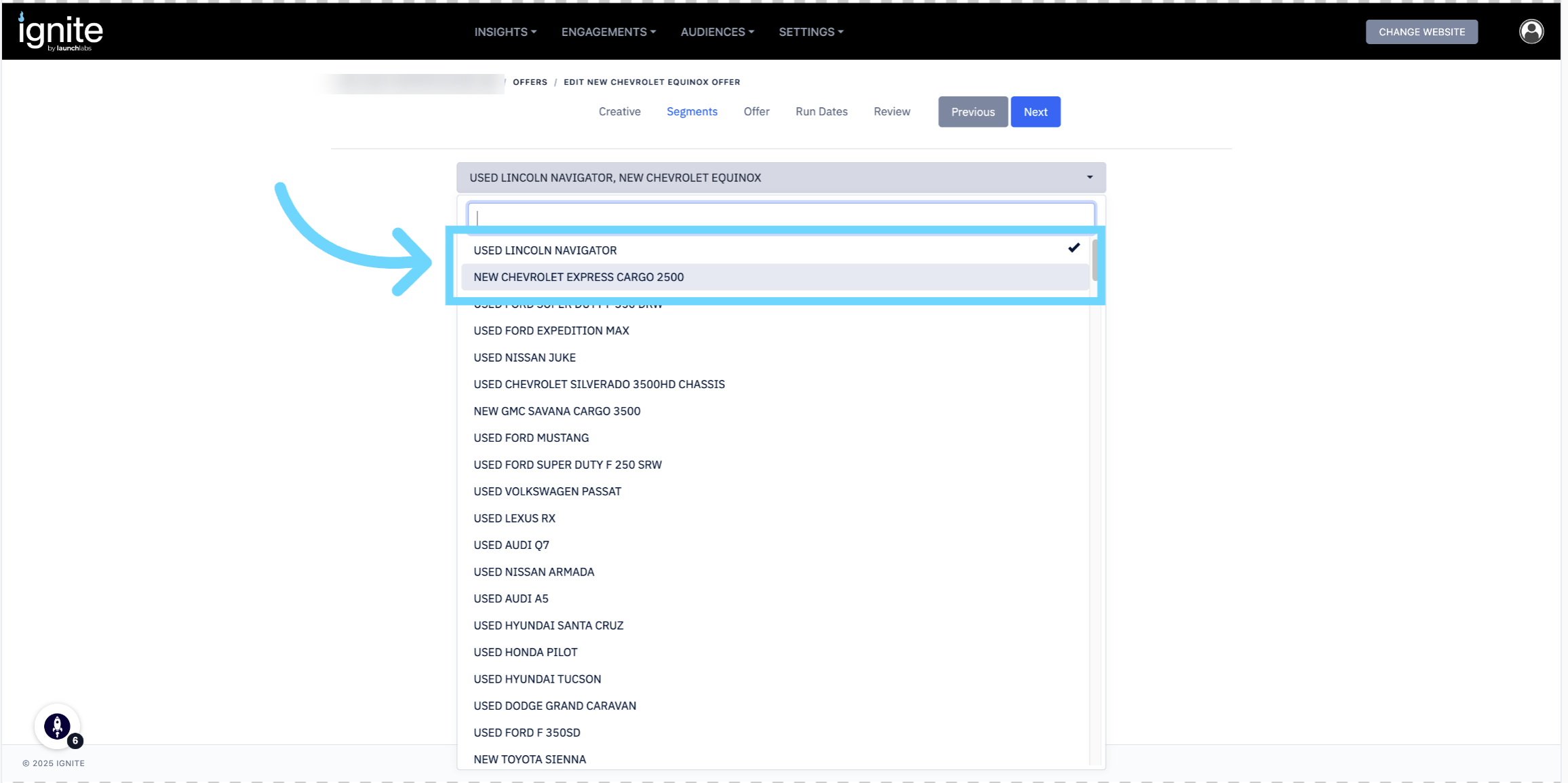
💡 Tip: You can use the search bar to locate specific segments.
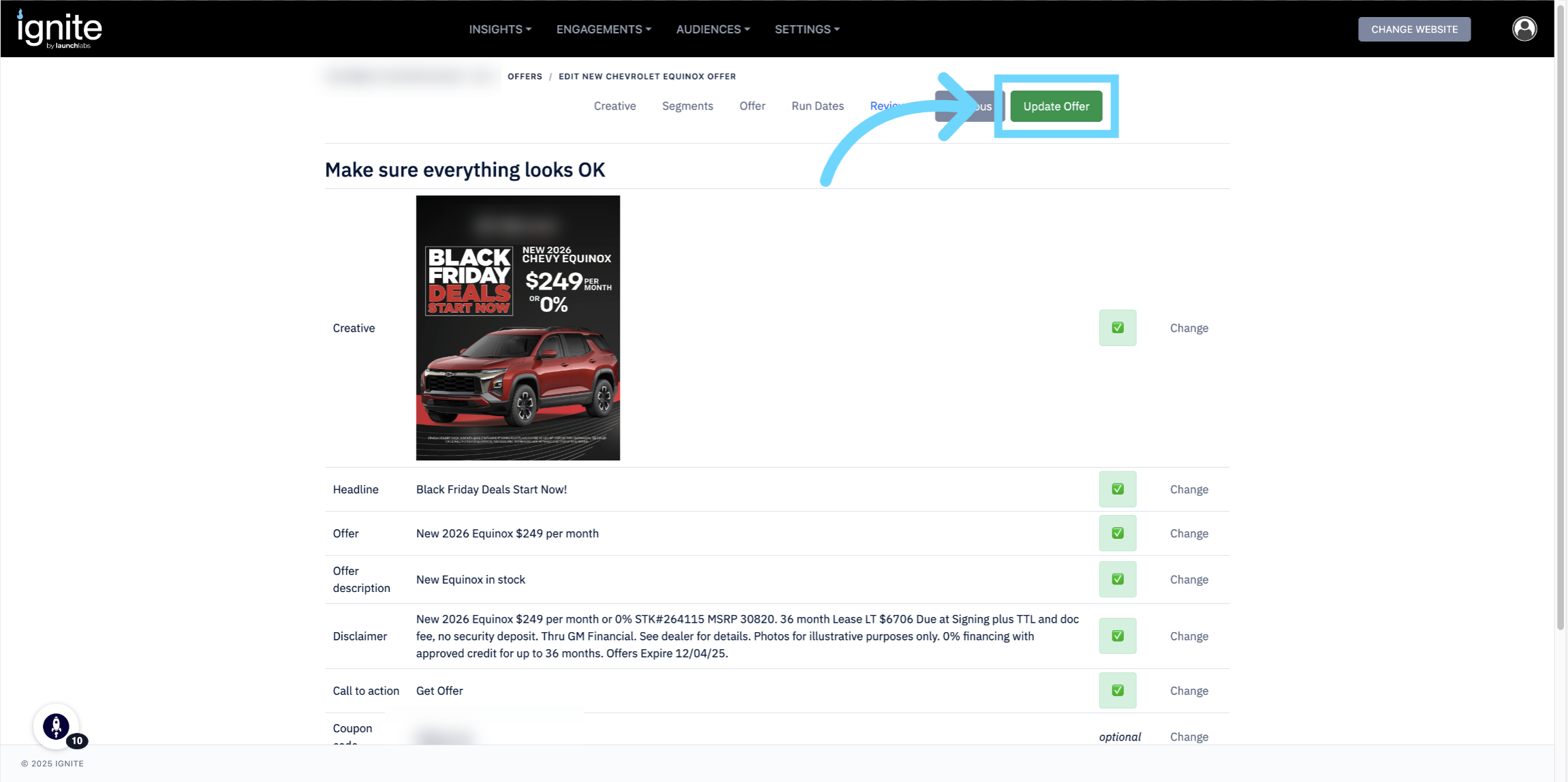
4. Save Changes Made to Offer
Review the changes made and proceed until you finalize all edits made. Then click Update Offer to save your changes and apply the new segments to the offer.
Platform Audiences and Custom Audiences
When creating an offer in Ignite, you can build it using either a Platform Audience or a Custom Audience.
Platform Audience: A predefined audience segment created by the platform.
Custom Audience: A group composed of one or more platform audiences.
⚠️ Note: For websites categorized as automotive, Ignite automatically creates two default Custom Audiences — Used Model Visitors and New Model Visitors.
Please note: If an offer is created from a Custom Audience, it can only be changed to another Custom Audience. Likewise, if an offer is created from a Platform Audience, only Platform Audiences can be added, removed, or changed.