
How to Duplicate an Offer
This article explains how to duplicate offers across multiple websites in Ignite. Duplicating offers allows agency users to efficiently create and manage offers across several accounts within their Agency Container.
Watch this video tutorial to see the full process in action:
Step-by-Step Instructions
Follow these steps to duplicate an offer in the Offer Engine.
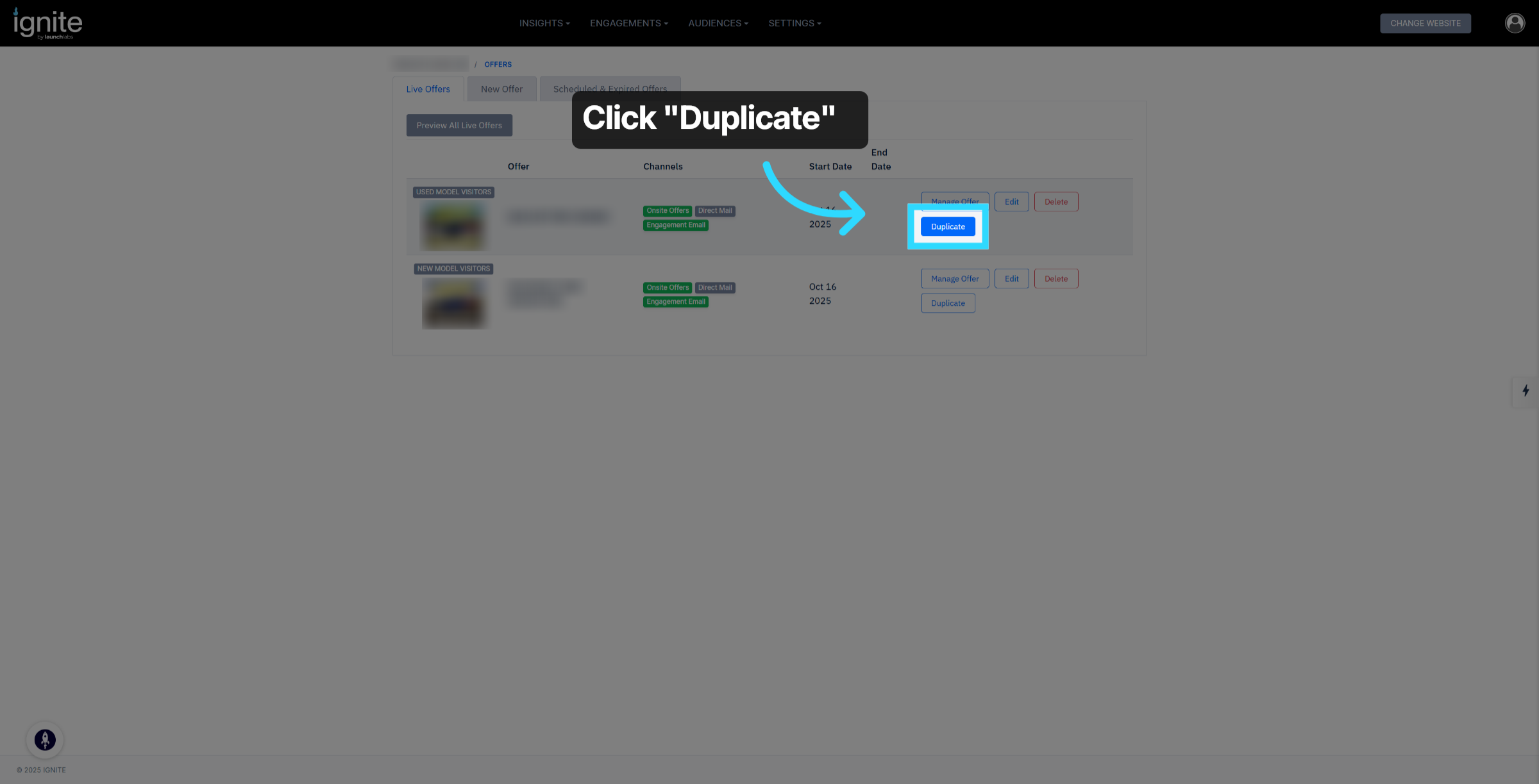
1. Click Duplicate Button
Click the Duplicate button to start duplicating an existing offer.
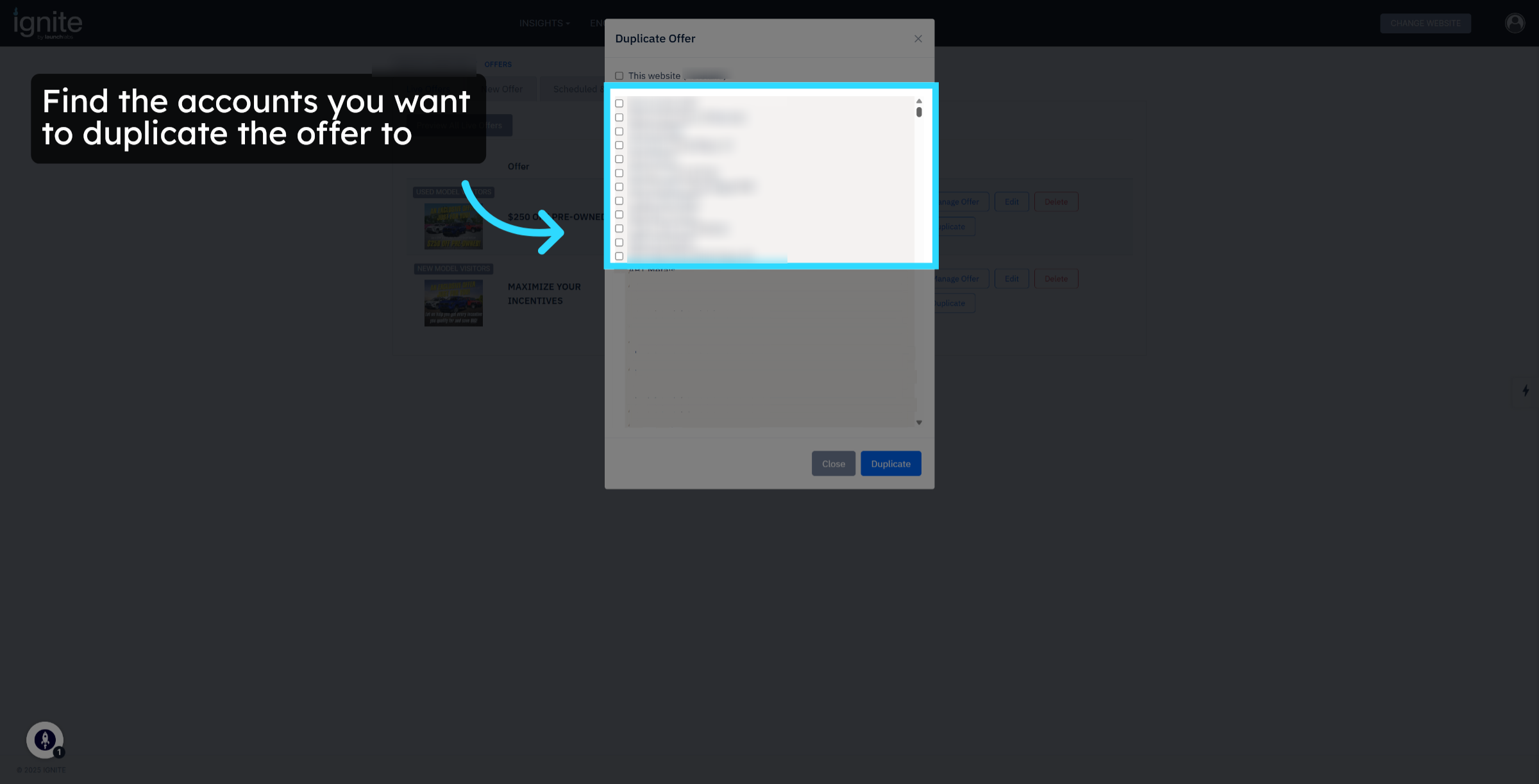
2. Identify Accounts
Identify the accounts where you want to duplicate the offer.
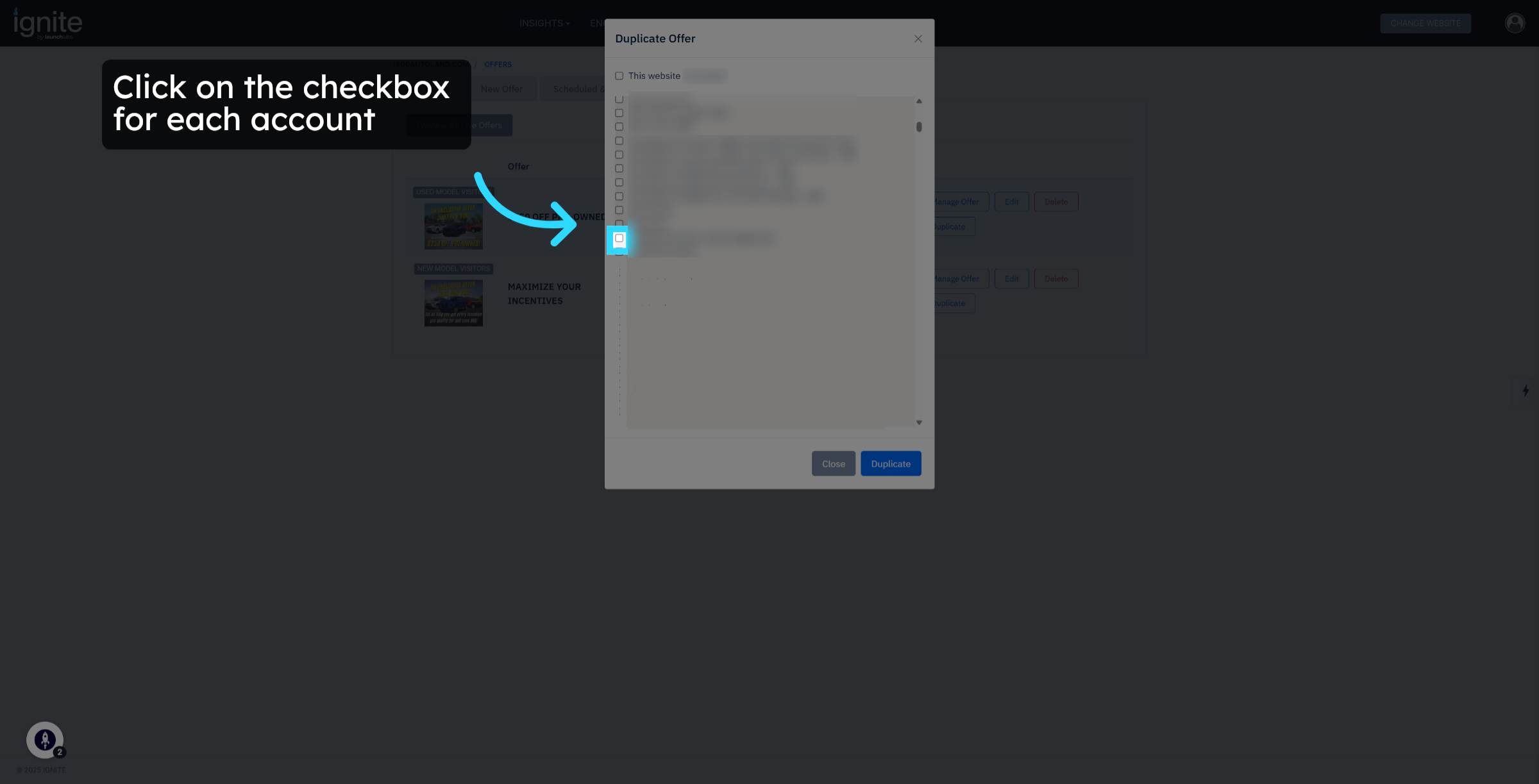
3. Click the Checkbox
Click the checkbox for each account.
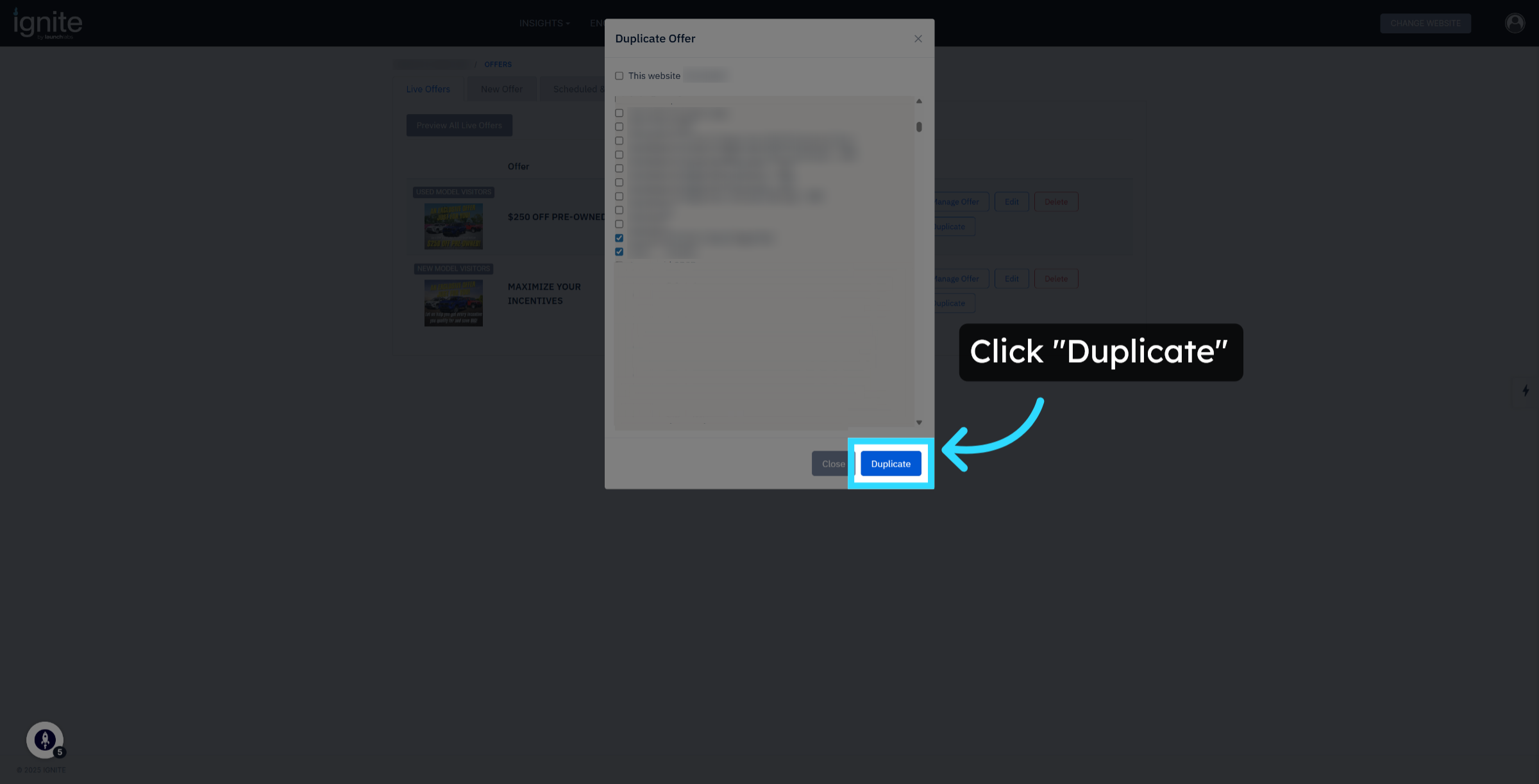
4. Confirm Duplication
Click Duplicate again to confirm and proceed with duplicating the offer across selected accounts within your agency.
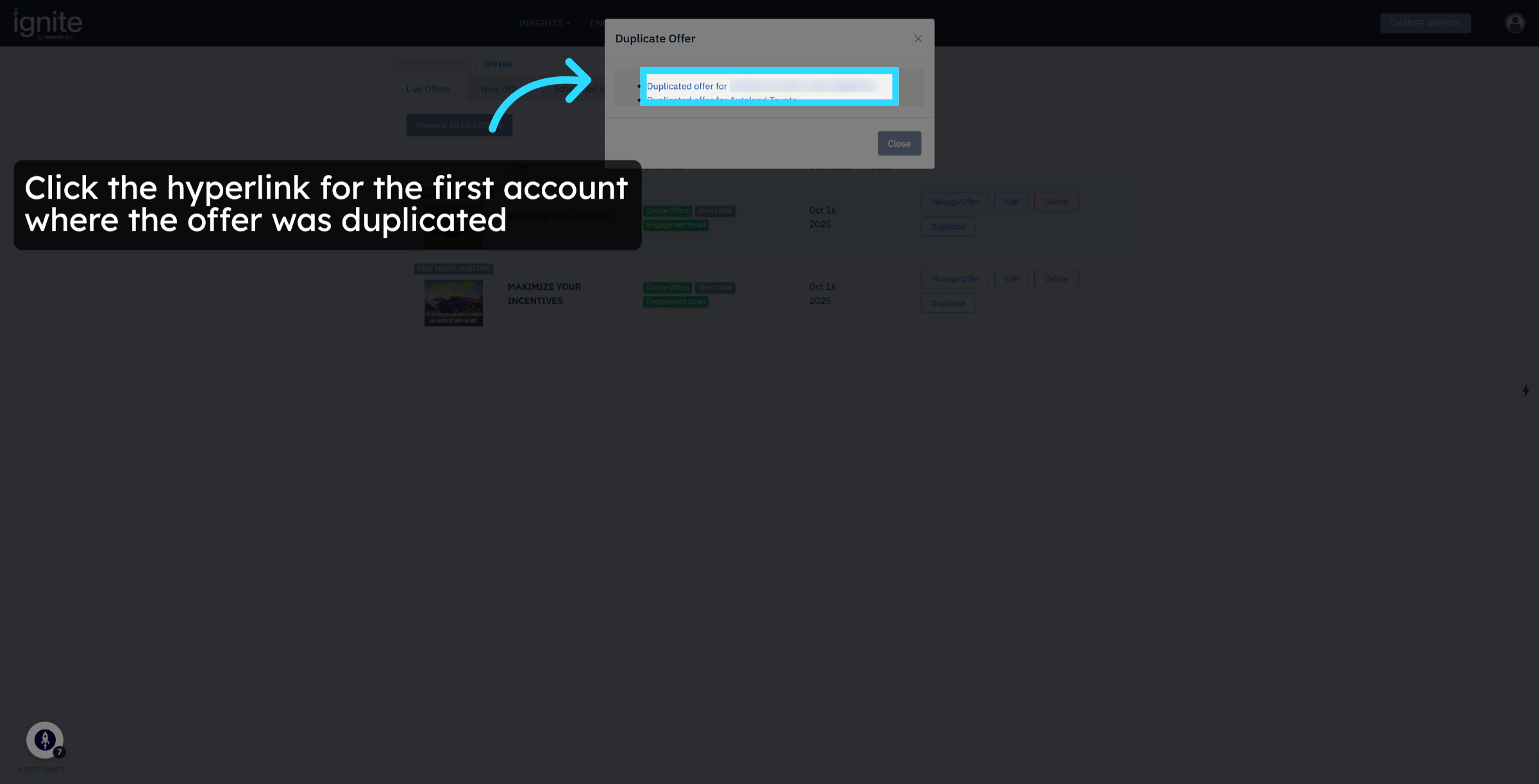
5. Open Duplicated Offer
Click the hyperlink for the first account with the duplicated offer.
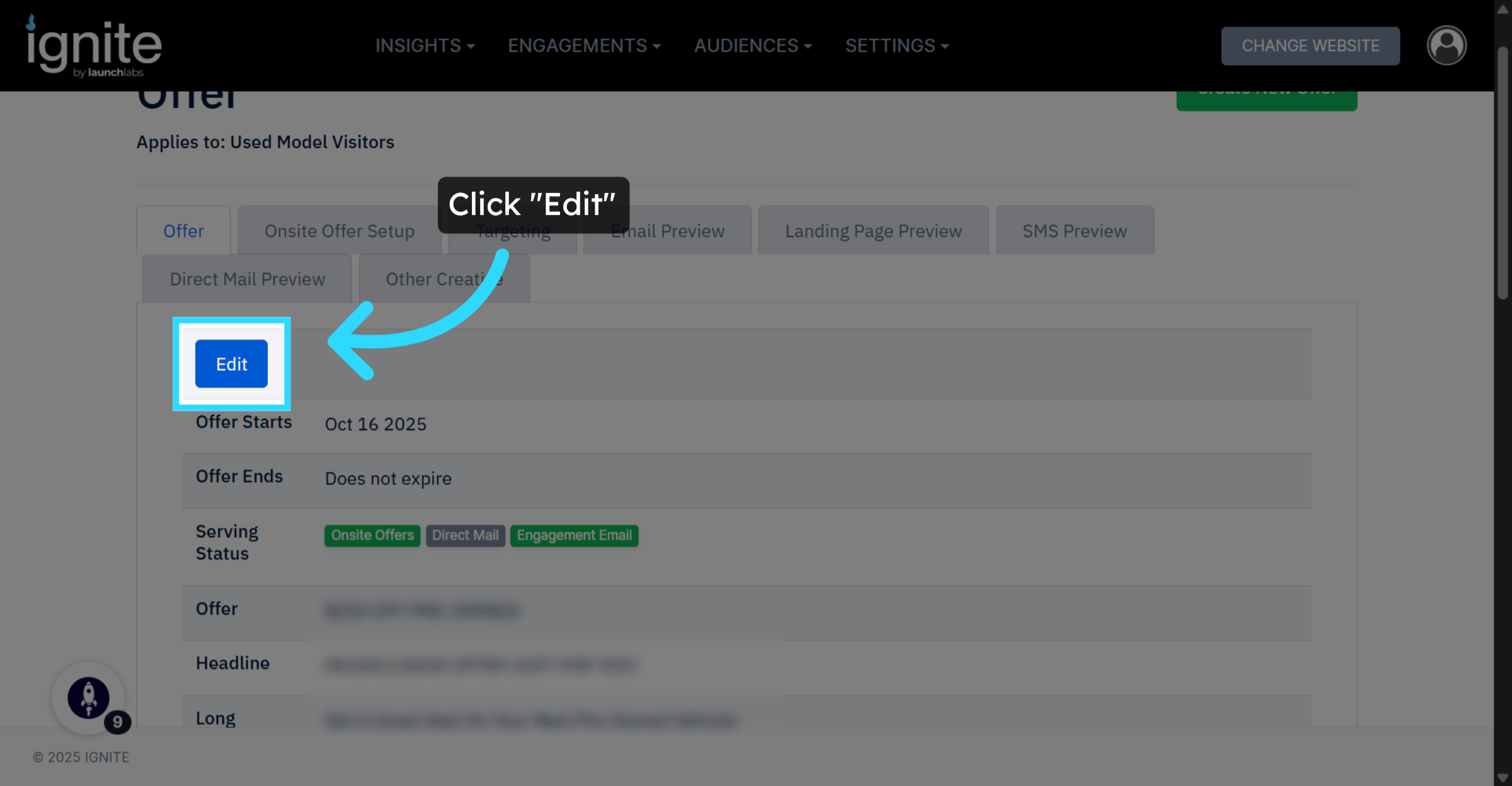
6. Edit Offer Details
Click Edit to modify the details of the new offer as needed.
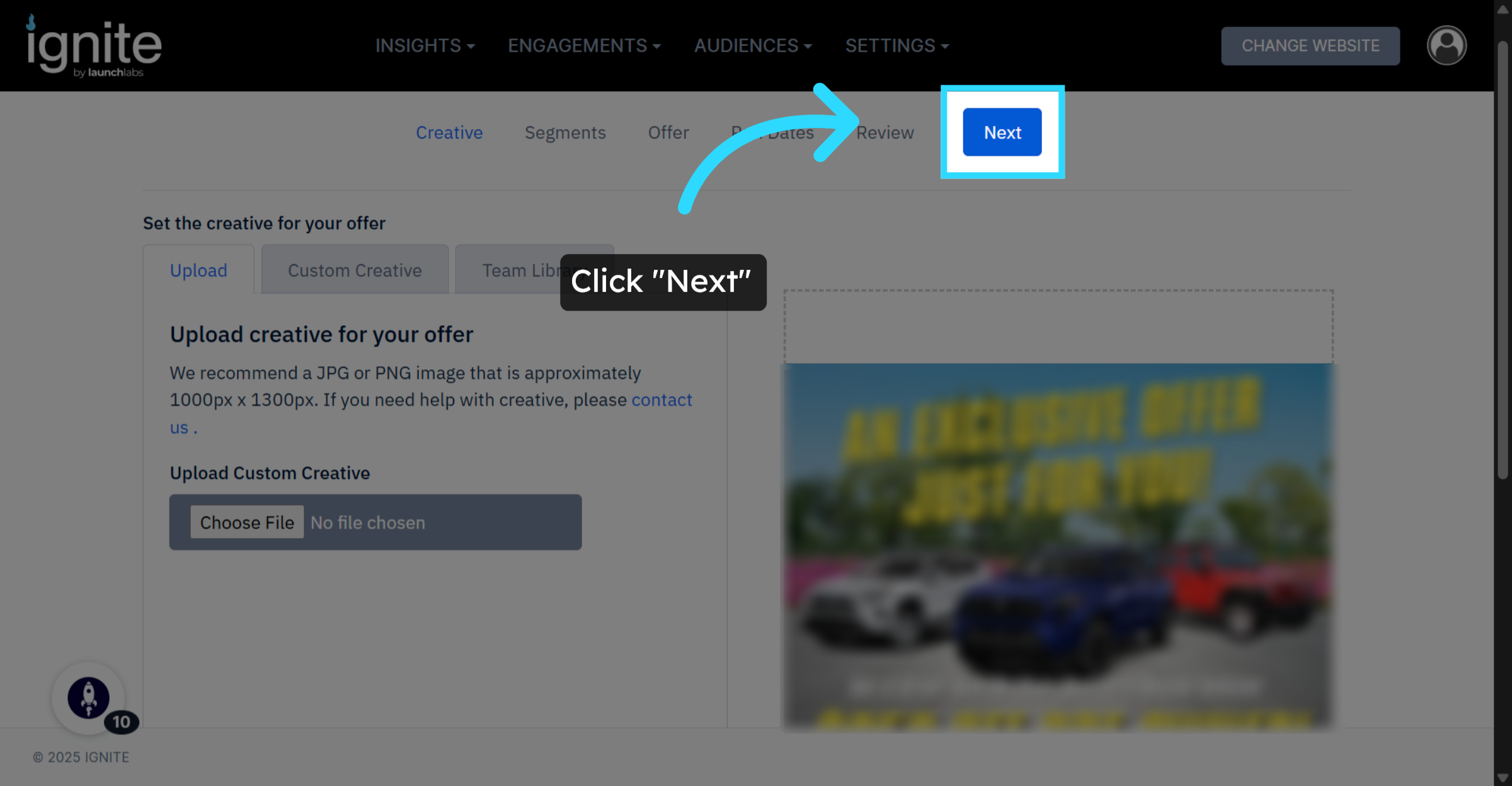
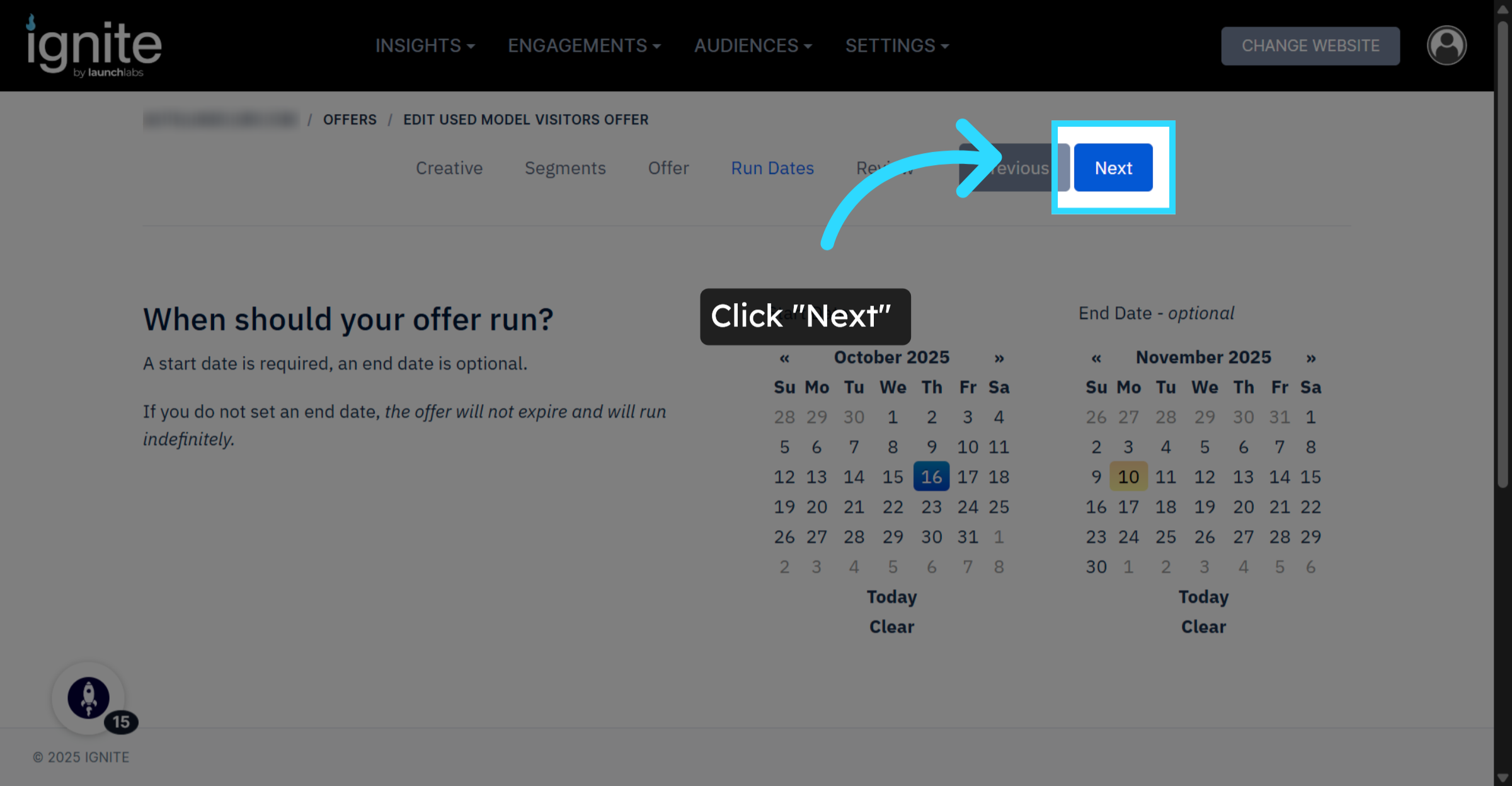
7. Proceed to Next Step
Click Next to continue through the offer setup process.
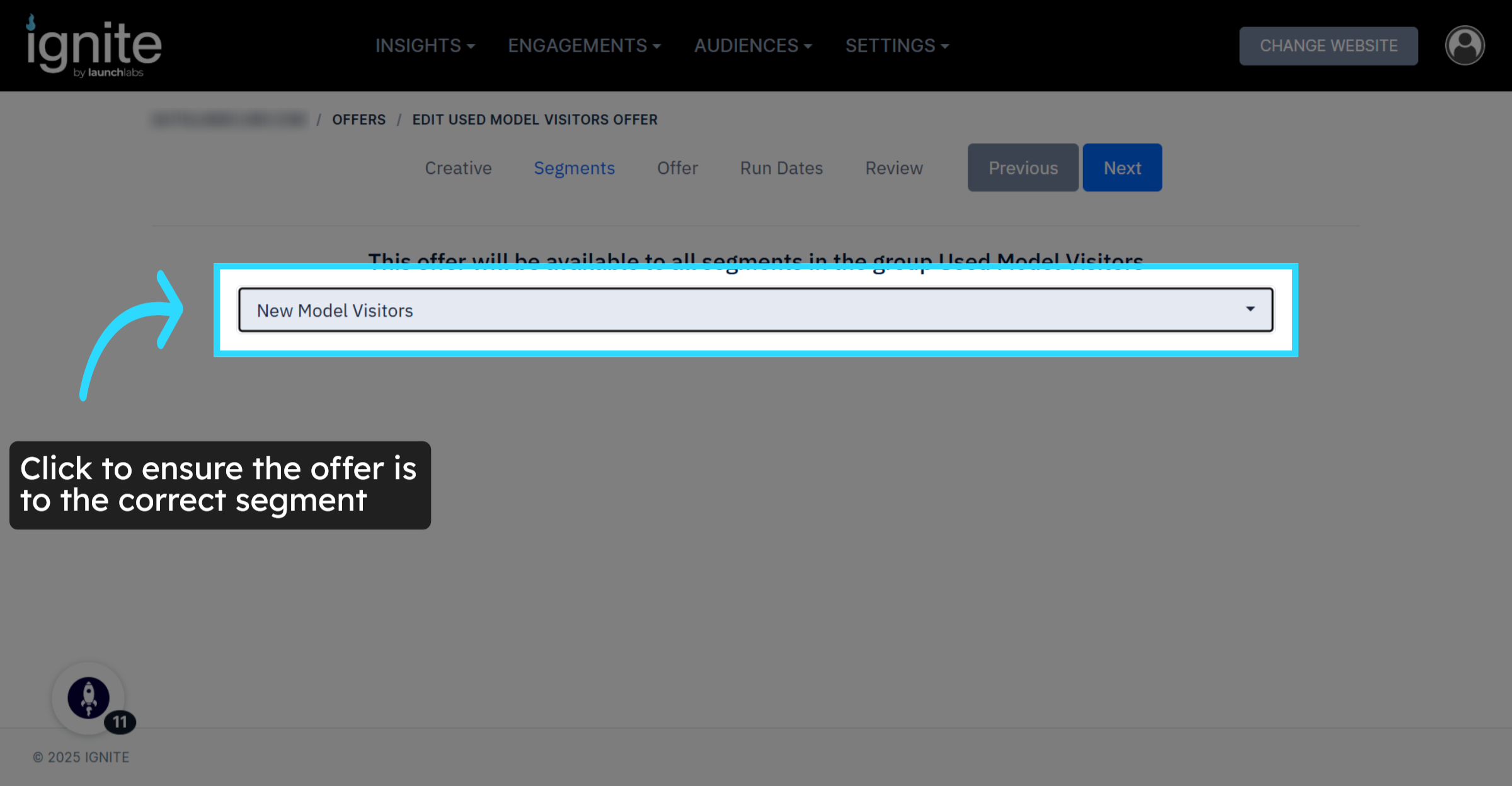
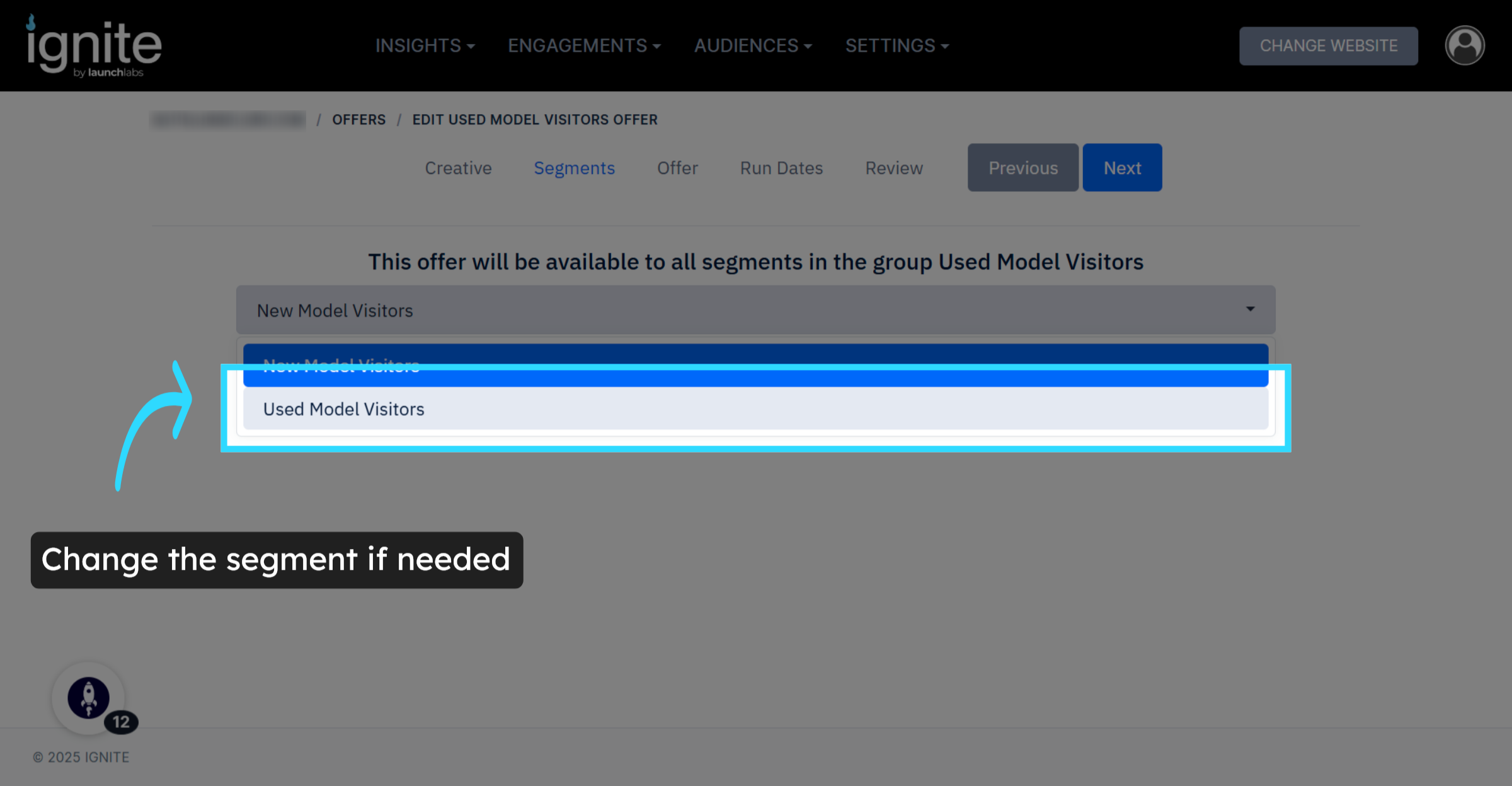
8. Select the Segment
Click the segment dropdown to ensure the offer is assigned to the correct audience segment.
9. Change the Segment if Needed
Click the audience segment the offer should be assigned to.
10. Proceed Further
Click Next to advance to the final steps of the offer setup.
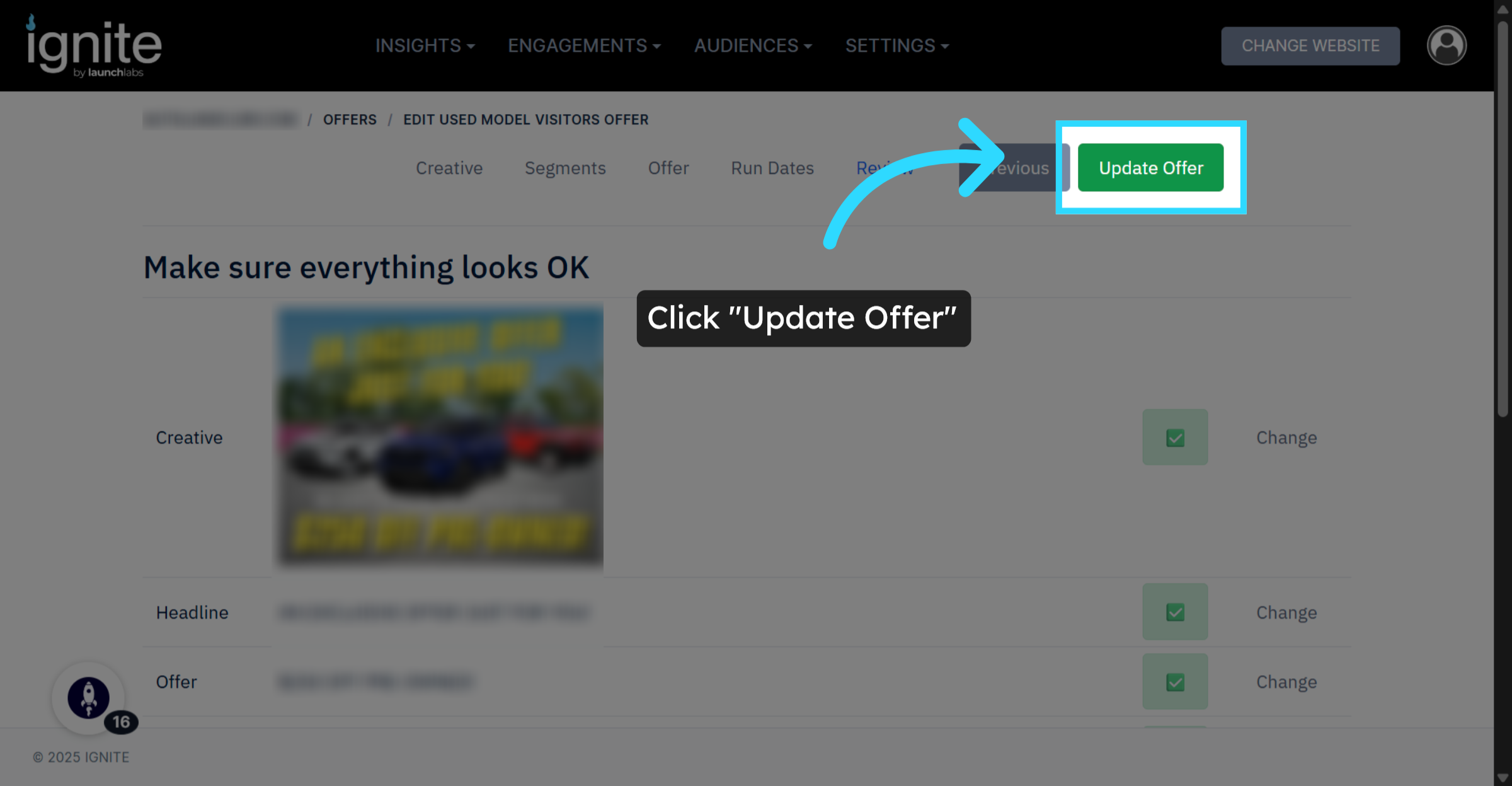
11. Update Offer
Click Update Offer to save all changes and finalize the duplicated offer.
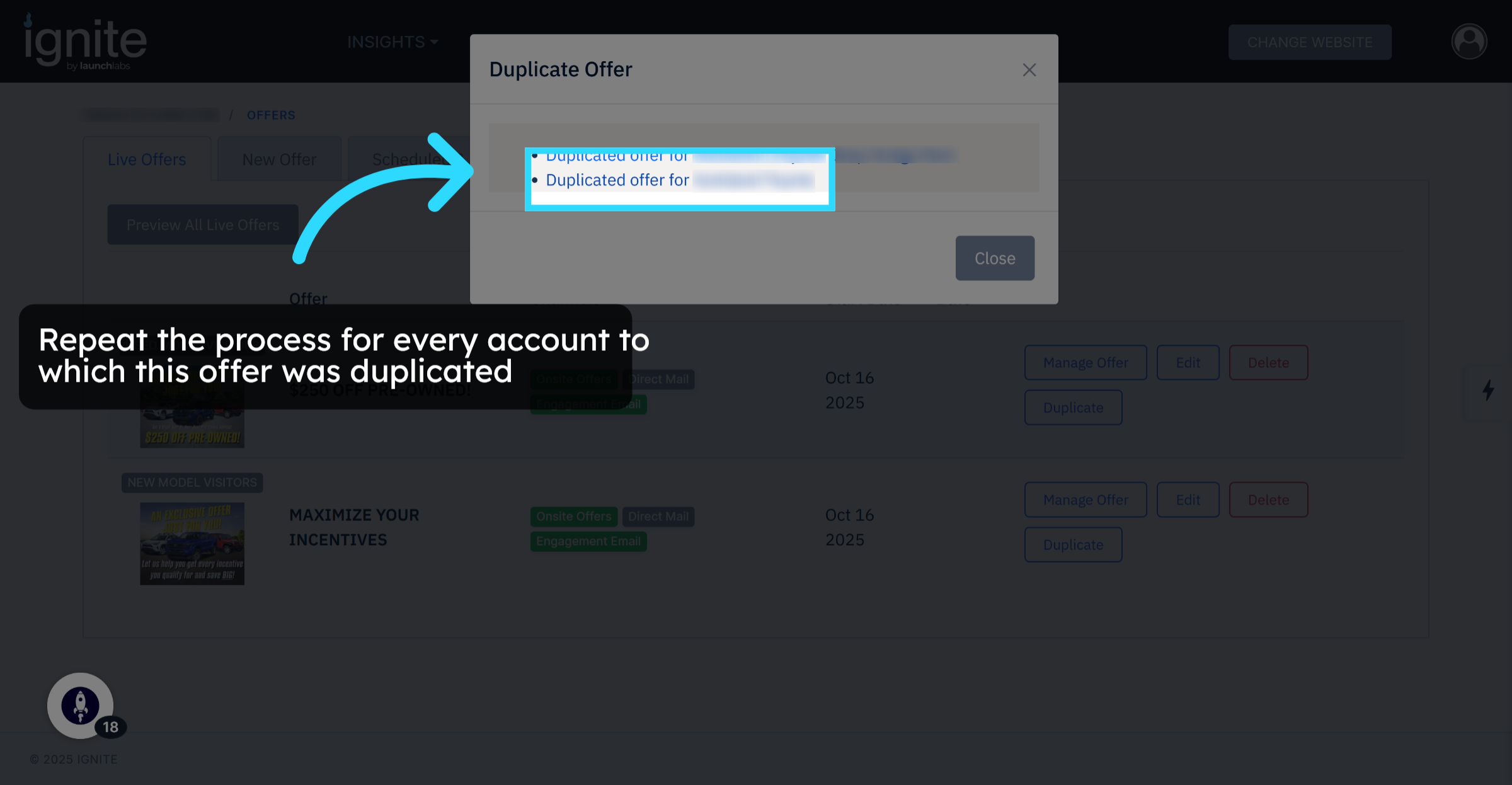
12. Open Other Duplicated Offers
Click the duplicated offer for all other accounts and repeat the same steps.
13. Completion
You have successfully duplicated and updated offers across multiple accounts. Duplicating offers helps maintain consistency and saves time when managing offers across multiple websites.