How to Configure Google Offline Conversions
This guide walks you through enabling Google Offline Conversions in Ignite so you can send offline events back to Google Ads for reporting and optimization. You’ll first complete Google’s setup steps, then finish the process in Ignite.
Setting up Google Offline Conversions
⚠️ Note: Follow the following instructions from Google’s help page before continuing, as offline conversion will not work otherwise, but skip Step 2: Set up an offline conversion.
-
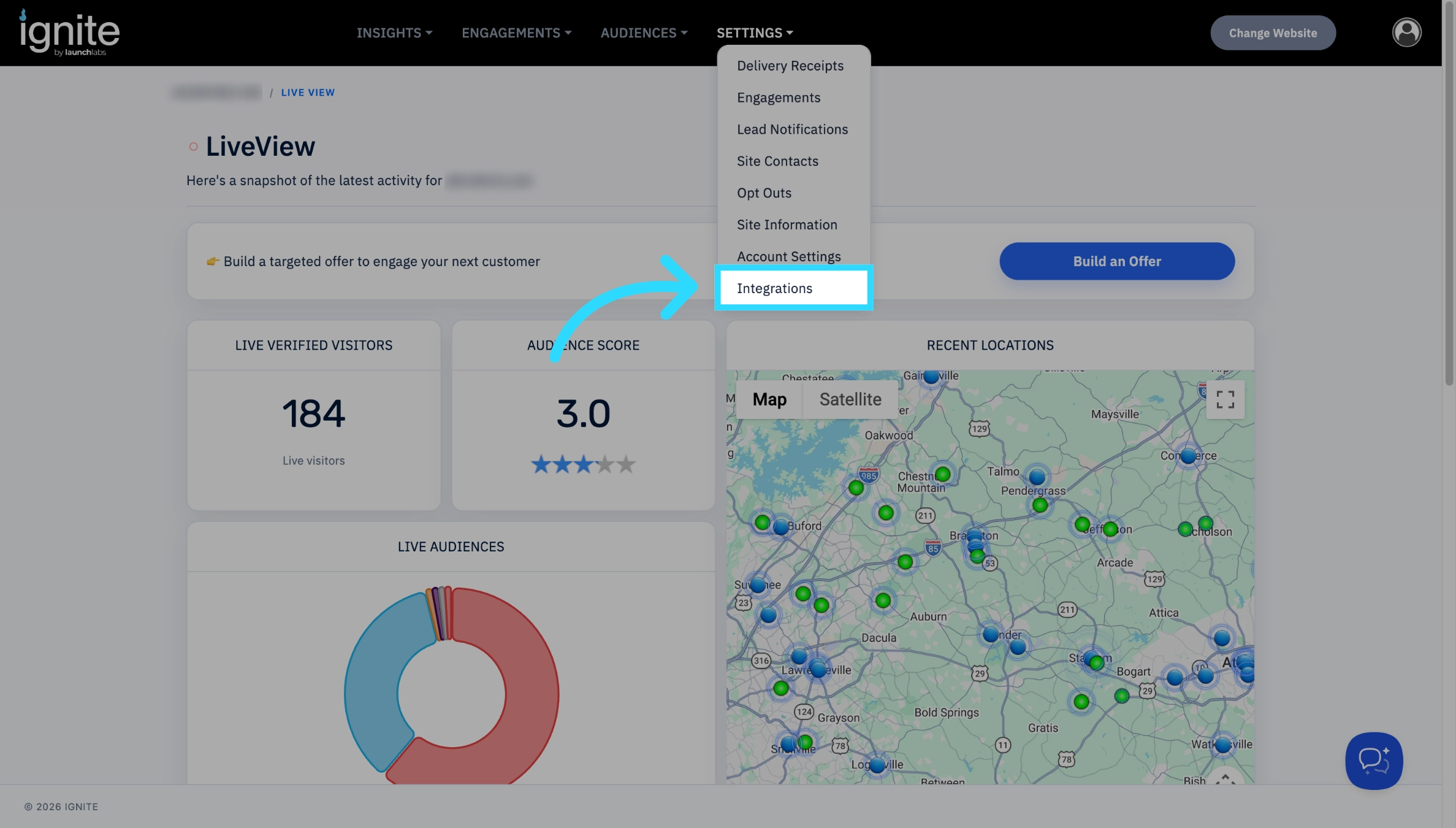
After completing all steps except Step 2: Set up an offline conversion on Google’s help page, go to the Integrations page.
-
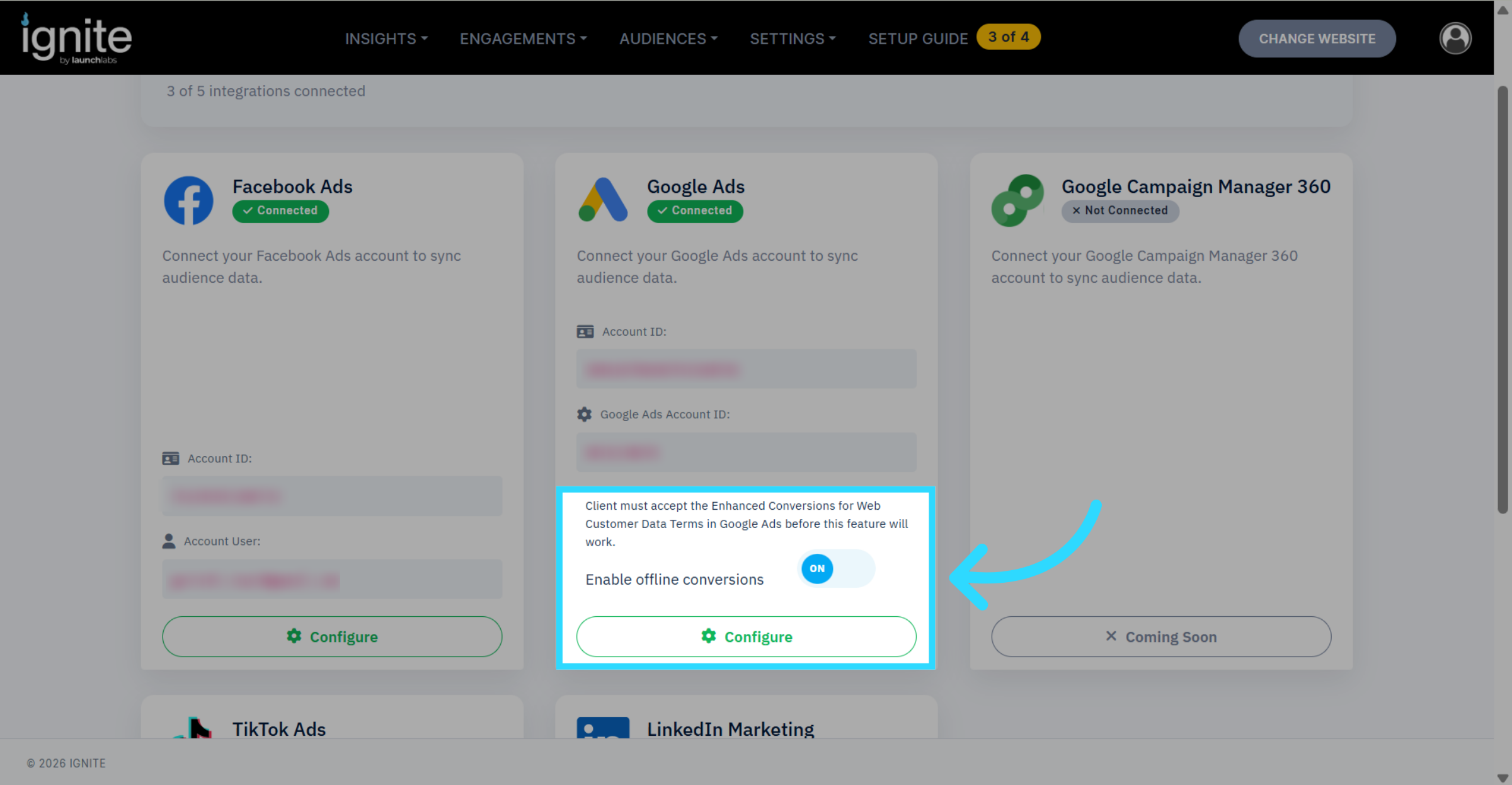
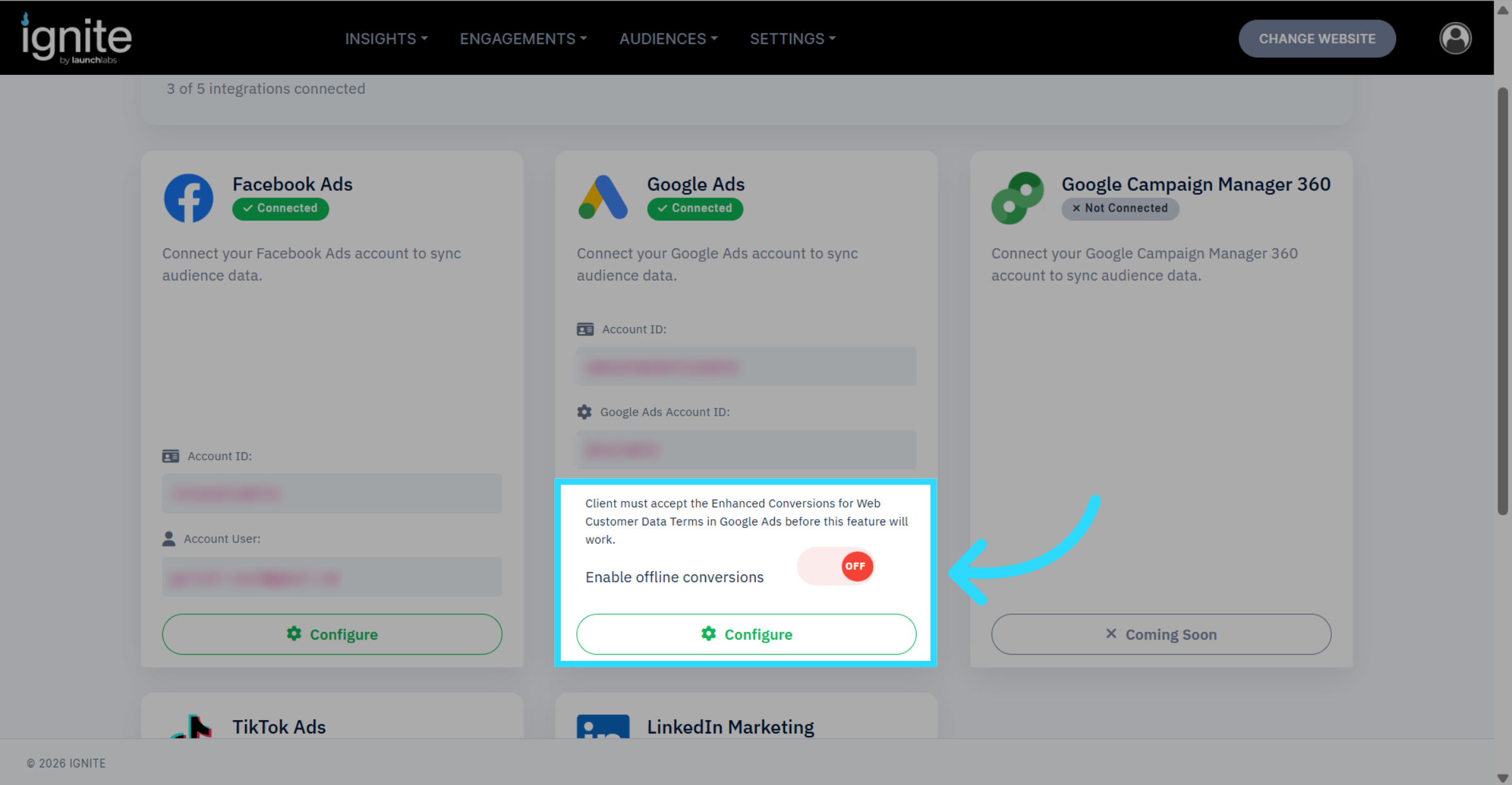
The Enable offline conversions button on the Google Ads integration will now be functional.
-
Enable offline conversions by toggling the switch to the on position.