Data Enrichment Options
This article explains how to enable Data Enrichment in the platform so you can enhance the quality of your lead information by automatically adding missing details, such as names or email addresses.
Watch this video to see the full process:
Step-by-Step Instructions
1. Navigate to Data Enrichment
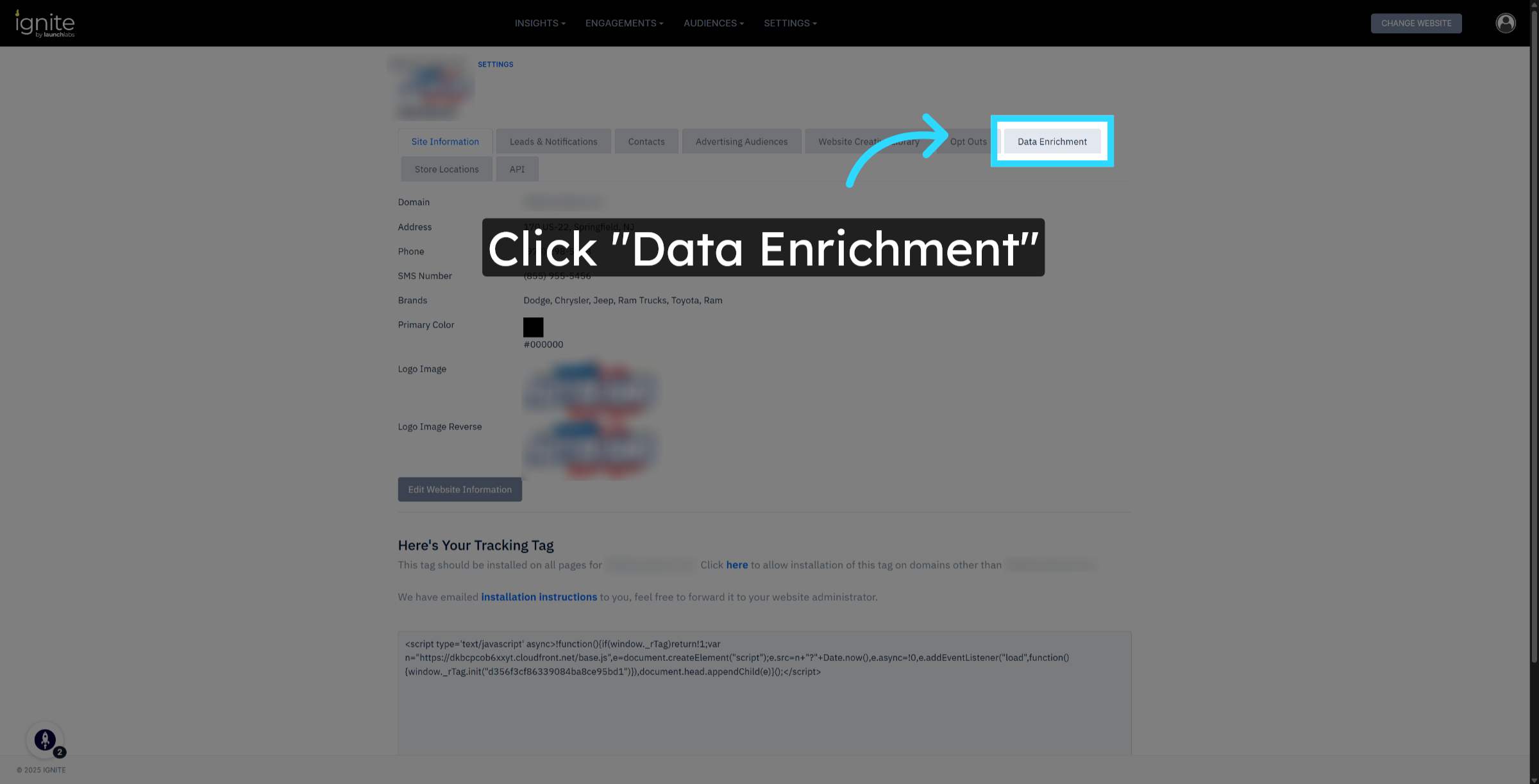
Start from the Site Information page within the platform. Click the Data Enrichment tab.
2. Enable Data Enrichment Options
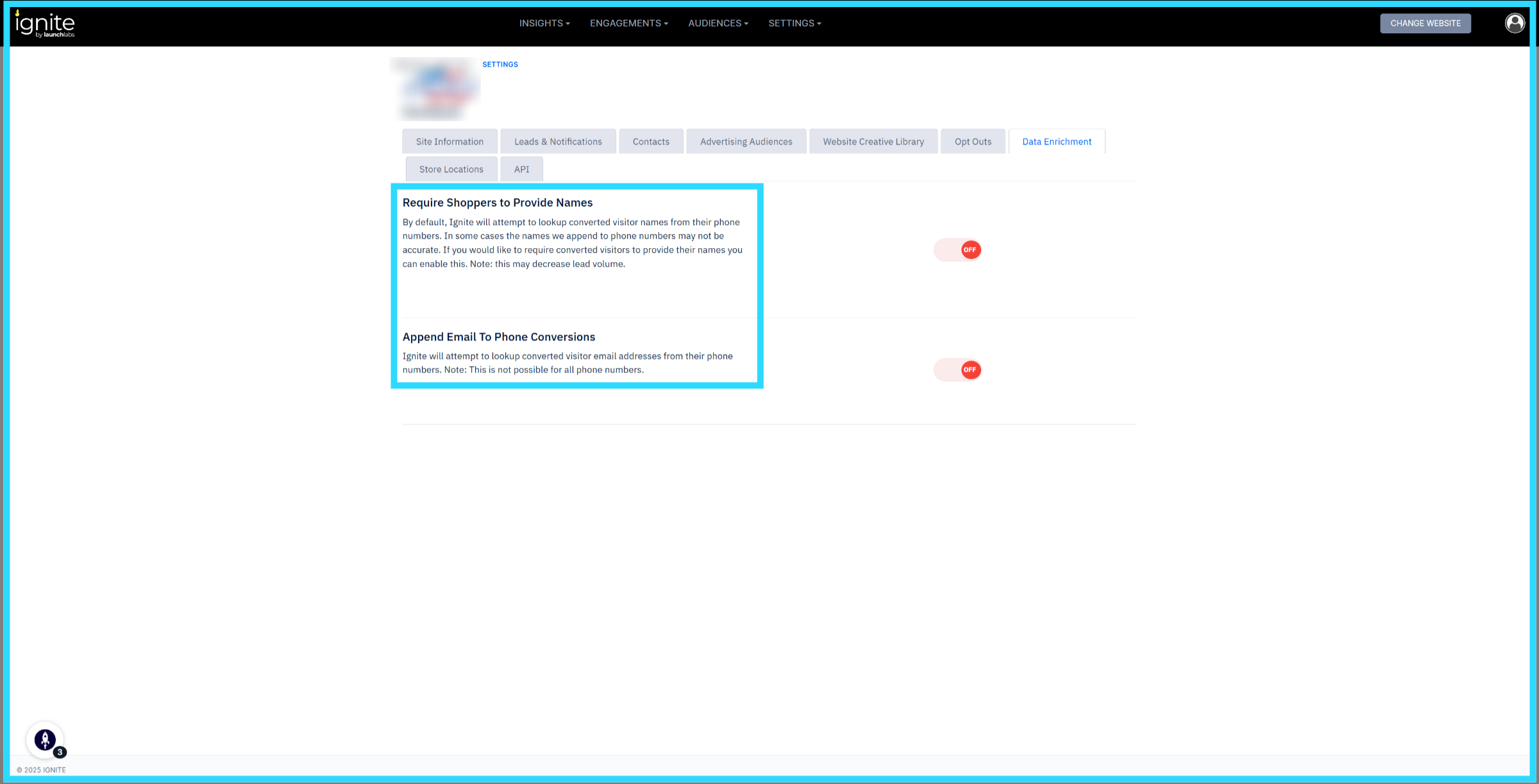
On the Data Enrichment page, you’ll see two available options: Require Shoppers to Provide Names and Append Email to Phone Conversions. These settings control how the platform enhances shopper data during the lead generation process.
3. Require Shoppers to Provide Names
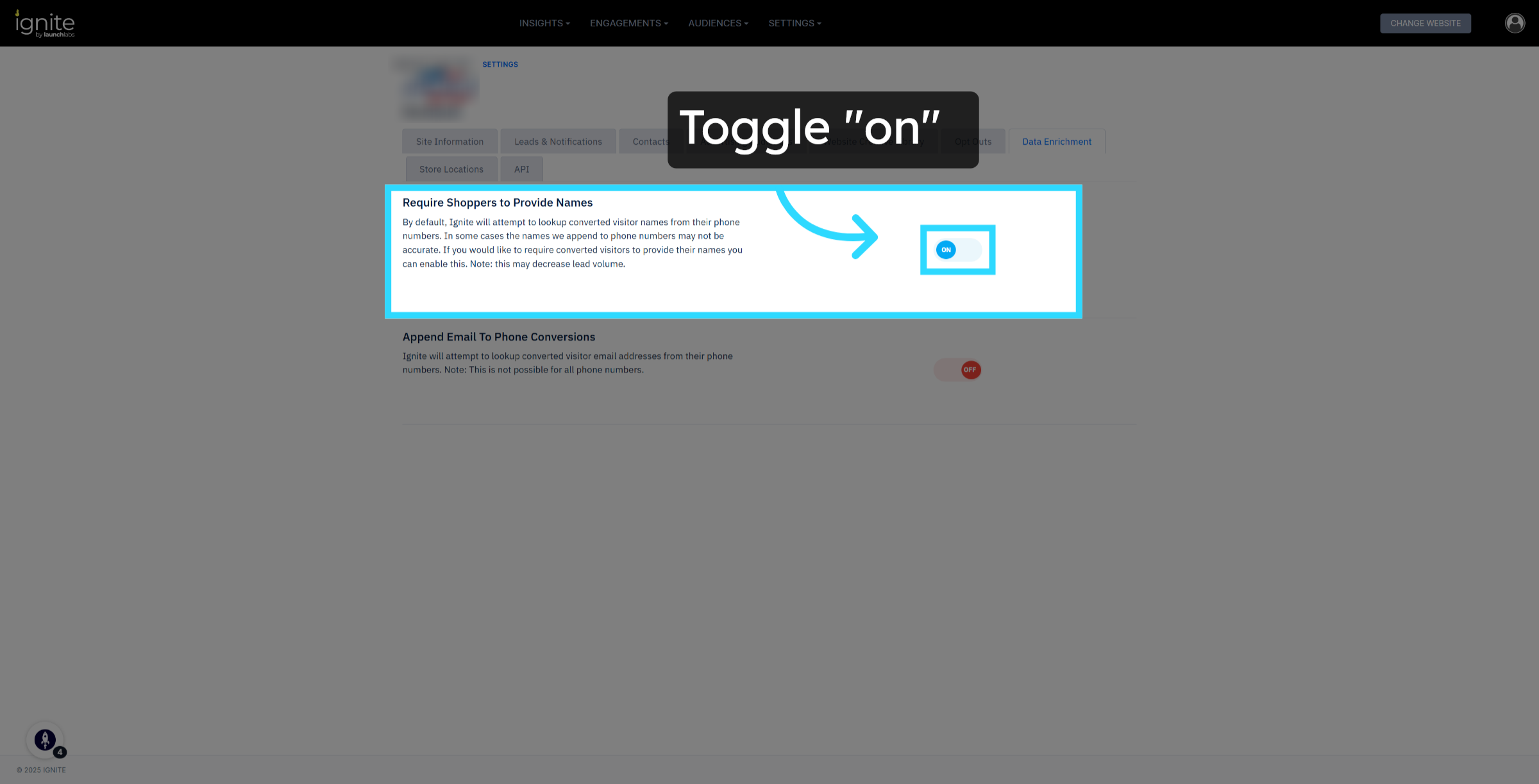
When this option is turned on, shoppers must enter their name before their accepted offer can be submitted as a lead. Customers can still claim an offer, but a lead will only be sent once a name is provided. This ensures more accurate data collection and helps your team follow up with verified contact information. You can review which offers converted to leads in the Leads & Notifications section.
👉 For more information on Leads & Notifications, check out this article, How to Set Up Lead Notifications.
4. Append Email to Phone Conversions
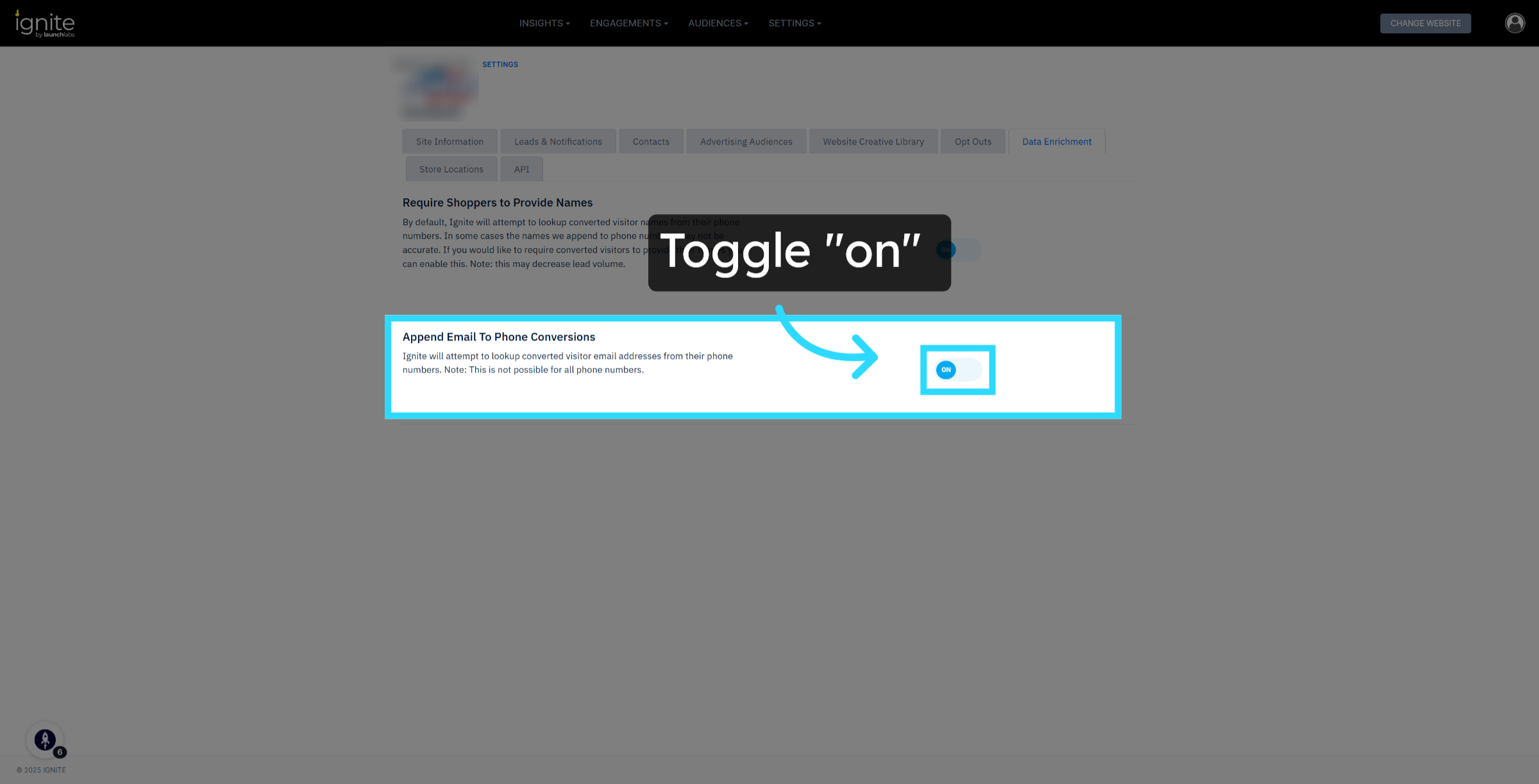
When this option is enabled, the platform will automatically attempt to look up a visitor’s email address using the phone number they provided. This allows for more complete lead profiles and streamlined follow-up, though results may vary based on data availability.